
How to list multiple items on Poshmark
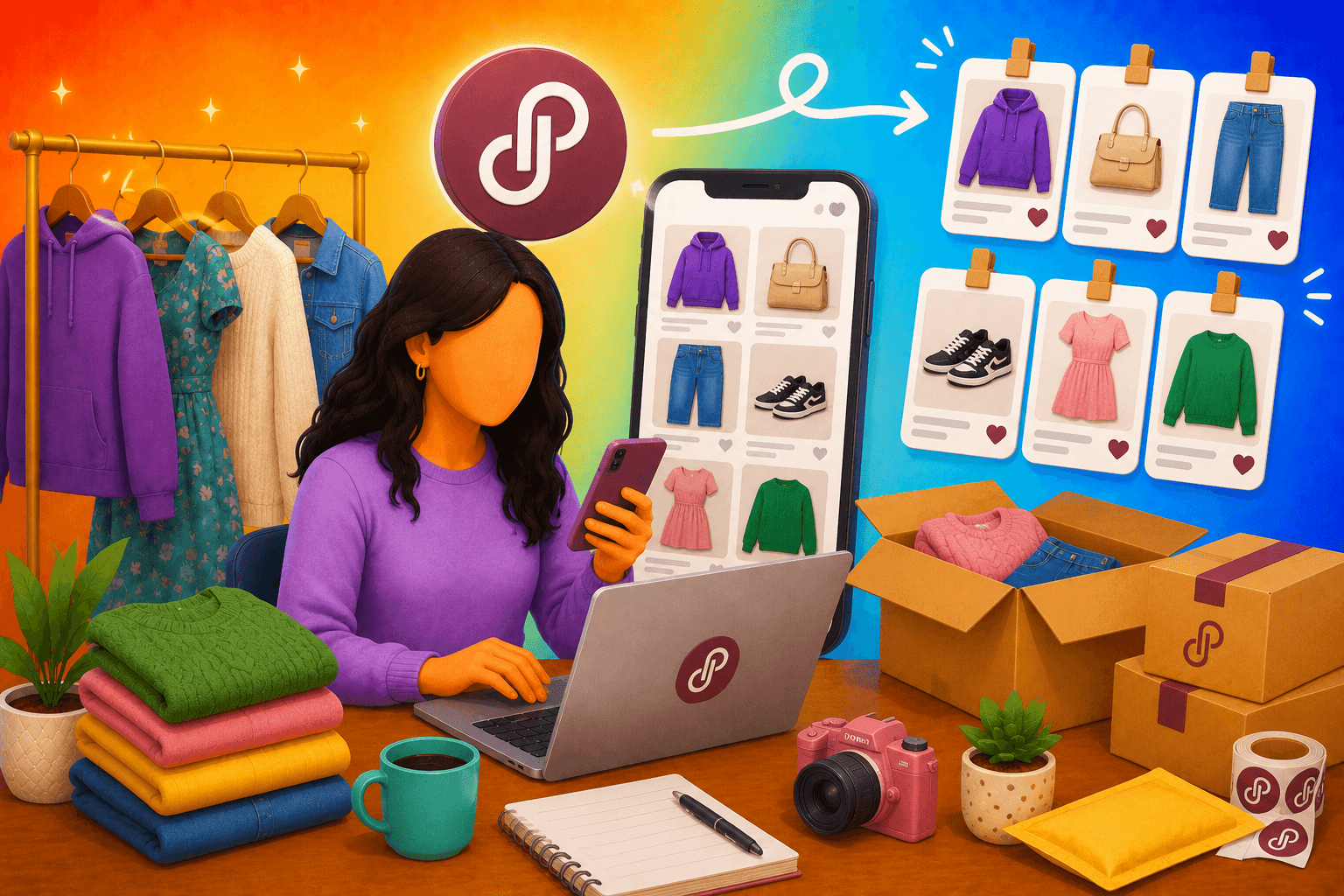
List multiple items on Poshmark by shooting pictures in one session, organizing your photos into folders, and publishing each listing using a template.
Learn my step-by-step multi-item listing workflow, the differences between listing multiple items, multi-item listings, and bundles, and some seller hacks that can help you accelerate the listing process.
How to list multiple items on Poshmark faster: Step by step
| Step | Focus |
|---|---|
| 1. Photograph all items in one session | Up to 16 photos + 1 video per listing; group by category; separate items once shot to avoid duplicates |
| 2. Organize photos before listing | One folder per item (phone or desktop) for easy reference and tracking |
| 3. Create listings back-to-back | Stay in the listing flow instead of returning to the dashboard; share as you go |
| 4. Use “copy listing” for similar items | Reuse when brand, category, condition, and shipping match; edit only what's different, or use a crosslisting tool to automate |
Step 1: Photograph all items in one session
Gather all the items you plan to list on Poshmark and take photos of them. Poshmark allows up to 16 photos and one video per listing. I usually take around 25 photos and then choose the best 16.
Videos work well for showing how clothing fits on different body types or how accessories function. For example, you can show a bag opening and closing, pockets, zippers, or other details that buyers may want to see.
When you finish photographing an item, move it to a separate area away from the items you still need to photograph. This simple step helps you stay organized and prevents you from accidentally taking duplicate photos of the same item.
I also take a photo of the floor after I finish photographing each item. That photo marks the end of that item's photo set and makes it much easier to organize my photos later without mixing items together.
Note: Group items by category so you can create listings faster and keep similar listings together.
Step 2: Organize photos before creating listings
Whether I'm creating listings from my phone or a desktop, my next step is to create a folder for each item. This keeps everything organized and makes it easier to match photos with listing details later.
Plus, it gives me a centralized record of all my listings, making it easier to track inventory, update listings, and reference past sales.
Step 3: Create listings one after another
Stay inside the listing flow and move directly from publish to new listing. Closing the app or returning to your closet dashboard between listings adds navigation time that compounds fast across 20 or 30 items. Don’t forget to share your listings.
Step 4: Use a copy listing when items are similar
You can use a copy listing when attributes such as brand, category, condition, and shipping are the same. This matters most when listing multiple sizes of the same item or similar styles from one brand. Edit only what differs, rather than reconstructing what is identical.
However, I recommend you use a Poshmark crosslisting tool to create listings. Many of these tools have AI features to generate all your listing details from a few pictures. These tools will do steps 3 and 4 for you, saving 10+ minutes per listing.
Multiple items vs. multi-item listings vs. bundles
Some folks use multiple items, multi-item listings, and bundles like they’re the same thing. But they’re not. Here’s a look at the key differences between each one:
| Item type | Multiple items | Multiple items in one listing | Bundle |
|---|---|---|---|
| Created by | Seller creates separate listings | Seller creates a multi-size variation listing | Buyer combines existing listings |
| Best for | Unique, one-of-a-kind items | Same product in multiple sizes | Mixed items from one seller |
| Listing pages | One listing page per item | One listing page for all sizes | Uses existing listing pages |
| Photos & description | Unique photos and descriptions | Shared photos and descriptions | Uses existing listing content |
| Price control | Seller sets price per item | One price for each size | Seller offers bundle discounts |
| Inventory type | Varied inventory with unique items | Same product across multiple sizes | Buyer-selected mix of items |
What it means to list multiple items on Poshmark
Listing multiple items on Poshmark means each listing has its own photos, description, price, and product details. This process works best for resellers who offer one-of-a-kind items. For example, a vintage jacket in size medium is not the same as that jacket in size large. Each one should have its own listing.
The downside is that listing multiple items takes time. More items mean more listings to create, update, and manage.
What is a multi-item listing?
A multi-item listing lets you sell several of the same product from one listing page. But you can add different sizes or quantities inside that one listing. For example, instead of making five separate listings for the same graphic tee in five sizes, you can create one listing with all five size options.
This works best for duplicate inventory, such as wholesale items, new-with-tags products, or retail arbitrage items. It doesn’t work well for unique or one-of-a-kind pieces.
Bundles
A bundle on Poshmark is a grouped purchase that the buyer usually creates. Buyers can select multiple listings from a single closet and add them to a bundle, creating a combined order.
However, sellers can also initiate bundles themselves by adding items to a buyer’s bundle or suggesting items.
How to list large amounts of inventory on Poshmark: Seller hacks
If you have a growing number of weekly Poshmark listings, consider adopting these tactics to simplify your workflows and save time:
- Create description templates: Pre-written templates with type, condition, and material mean each listing only needs item-specific edits.
- Batch your measurements: Take all measurements in a separate pass before listing to keep the form-filling stage uninterrupted.
- Keep a consistent photo setup: Use a fixed backdrop, light source (natural light is preferable), and shooting angle, so photos are ready to upload without editing or reshooting for consistency.
- List inventory regularly: Set aside listing time every day or every other day to keep up a consistent listing schedule.
- Use a listing tool: Third-party tools like List Perfectly, Nifty, or Vendoo often have features that create listing details from just a few photos, speeding up the publishing of hundreds of items monthly.
Use Nifty to list multiple items on Poshmark in a jiff
Listing multiple items on Poshmark one by one is a time-consuming grind. If you want to avoid boring listing days and spend more time connecting with buyers and actually selling, try Nifty. It’s a crosslisting and automation tool that lets you list, manage, and crosspost your items across Poshmark and every other major marketplace from a single command center.
Here's why over 10,000 sellers trust Nifty:
- Customized AI listing: Snap a pic and let Nifty's AI build a complete listing, with SEO-optimized titles and descriptions, and trending hashtags already filled out for you. You can even customize how AI writes your listings to follow your unique style.
- Crosslist now: With a couple of clicks, post your items across Whatnot, Poshmark, eBay, Mercari, Depop, and Etsy. No copy-paste clutter and no multi-tab hopscotch. (More marketplaces coming soon!)
- Automatic delisting? Handled: When you make a sale, Nifty's sales detection auto-delists that item from every marketplace. Say goodbye to double-selling disasters and "sorry, it's already gone" apology messages.
- Bulk tools = no busywork: Share and relist daily in just a few clicks. You can even schedule drafts to go live while you sleep and set automatic discounts that run deeper over time.
- Analytics and profits are real: Track sales, fees, top performers, and slow movers in one clean dashboard, so you can actually see what's working and what's just dead space. You can also set and track seller goals directly from your home screen.
Start with a 7-day free trial and see how Nifty can help you shave some serious time off your Poshmark listing workflow. Nifty also lets you expand your reach by posting on other marketplaces.
FAQs
1. How do you list multiple items on Poshmark faster?
You can list multiple items on Poshmark faster by batching your photos in one session, staying inside the listing flow between each publish, and using copy listings for similar items. You can also invest in a third-party tool that lets you upload several items all at once.
2. Can you list multiple items on Poshmark at the same time?
Yes, you can list multiple items on Poshmark at the same time. Crosslisting and automation tools like Nifty or Vendoo make this possible. Just upload all your listings to a centralized dashboard, follow the “sync” steps for that marketplace, and your listings will be live on Poshmark.
3. What is the fastest way to upload a large amount of inventory to Poshmark?
The fastest way to upload a large amount of inventory to Poshmark is by having a photographing strategy and using a third-party tool to generate listing details. Use a dedicated space for photographing with plenty of natural light. Then, upload your pictures to a third-party tool’s AI generation feature, produce details, edit them, and you’ll be ready to publish.


.png)
.png)
.png)