
Powerful eBay listing software: Expert reviewed (2026)

I tested 30 eBay listing software tools by evaluating their automation, bulk editing, and AI capabilities. The top eBay listing tools are Nifty (best overall for AI listings, crosslisting, automation, bulk editing) and 3Dsellers (best for high-volume automation, CSV editing, multichannel management). Both excelled in speed, accuracy, and inventory management for eBay sellers.
Top 8 eBay listing software in 2026: At a glance
1. Nifty: Best overall eBay listing software
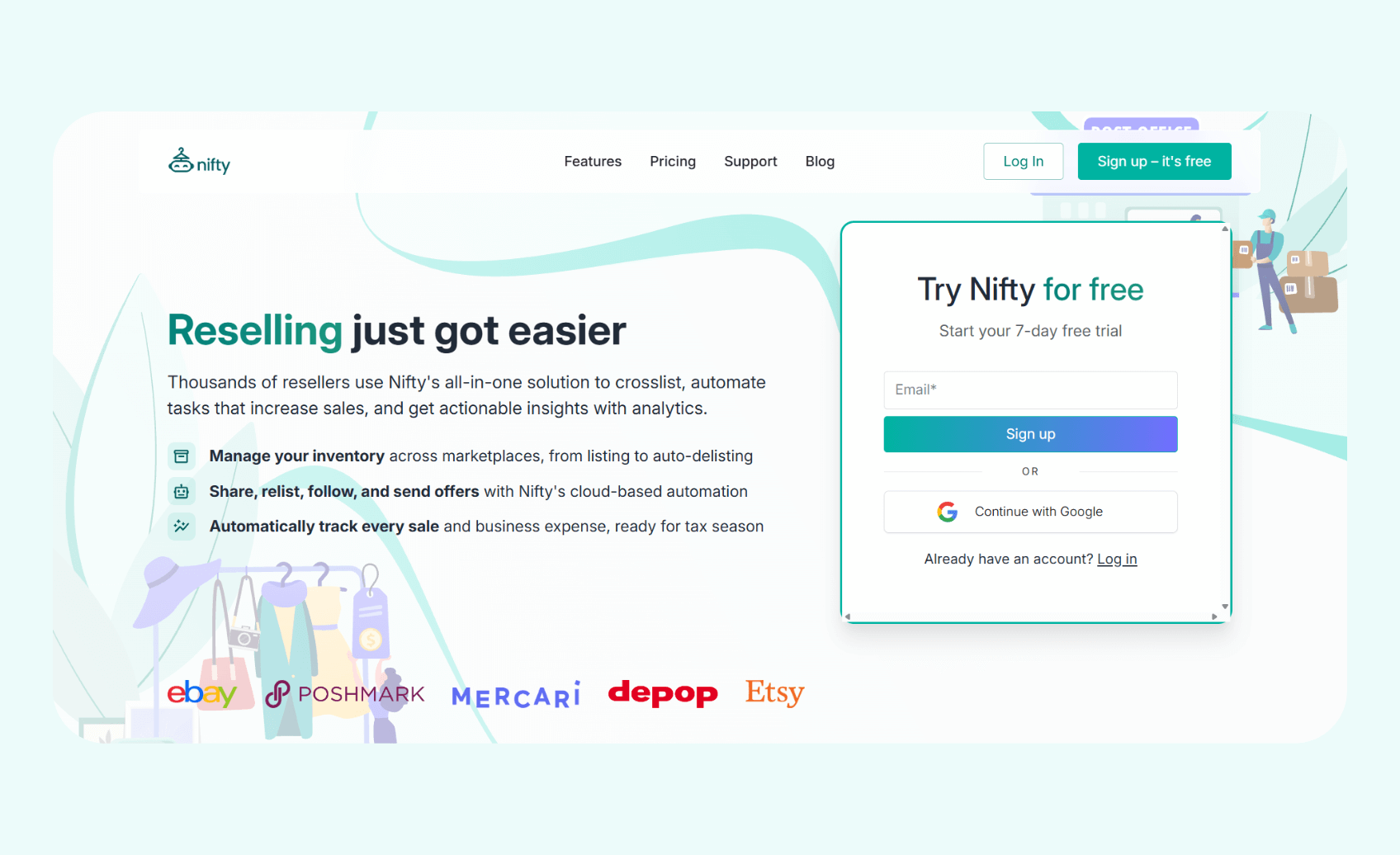
What it does: Nifty speeds up eBay listing creation with AI and helps you manage and list inventory across eBay, Poshmark, Etsy, Mercari, and Depop (more platforms coming soon!).
Who it's for: Resellers of all sizes listing on eBay and other platforms, aiming to reduce manual listing tasks and expand to additional marketplaces.
When I tested Nifty, I created my eBay listings using Nifty’s AI generation tool. The tool generated SEO-optimized titles and descriptions from 8 photos of each item. Then, I crossposted my vintage band T-shirts to Etsy, Poshmark, and Depop with just a few clicks.
I could also bulk-edit each listing using Nifty’s convenient user interface, which saved me a few hours each week and spared the clunky bouncing between tabs.
Key features
- Cloud-based automation system: Nifty operates entirely in the cloud, so relisting and offer‑sending workflows continue without needing open tabs or an active device.
- Automatic delisting: When items sell on any connected marketplace, Nifty instantly detects the sale and removes the listing from all other platforms to prevent duplicate orders and customer frustration.
- Analytics dashboard: Track sales performance, monitor fees, identify top-performing products, and spot slow-moving inventory through consolidated reports that reveal which items drive profits and which waste storage space.
Pros
- Mobile accessibility across devices: Access Nifty through a web app on desktop and mobile devices, giving you flexibility to manage listings away from your main workstation.
- Integrated photo-editing tools: Nifty’s photo-editing software offers image-enhancement features such as cropping, annotation, and filters. It also comes with a Photoroom integration to remove backgrounds.
Cons
- Large software package: You’ll need to set aside time to learn the vast feature set that Nifty provides.
Pricing
Start using Nifty for $25/month. You can save up to 12% if you opt for the annual plan.
Bottom line
Nifty provides substantial value if you’re listing on eBay and other platforms with powerful AI listing generation, inventory management tools, and an insightful analytics suite.
2. 3Dsellers: Best for high-volume eBay automation
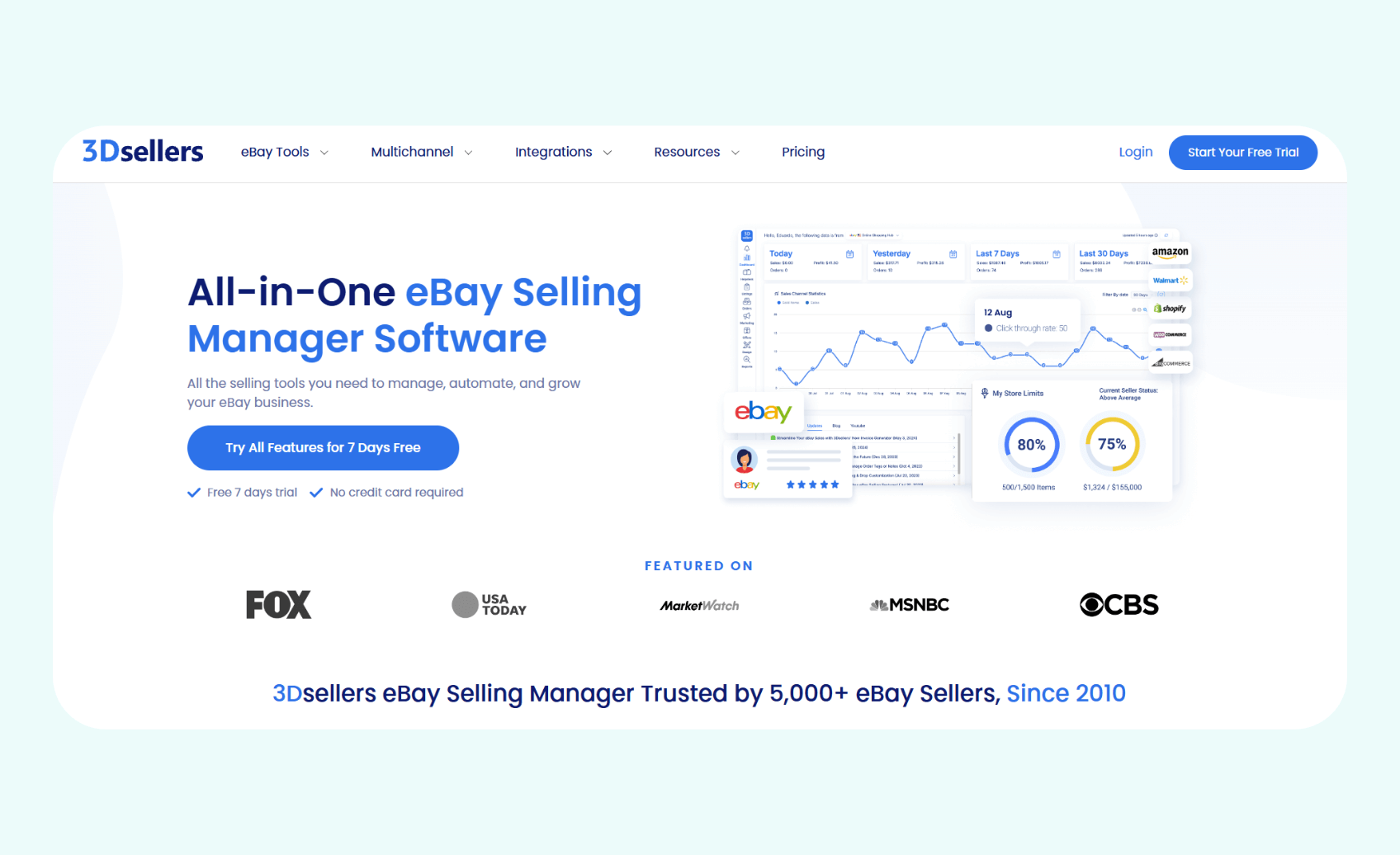
What it does: 3Dsellers primarily focuses on eBay listing and order automation, with additional tools and integrations that support order and customer service management across channels such as Amazon, Walmart, Etsy, and Shopify.
Who it's for: The tool serves large eBay businesses expanding to additional marketplaces and e-commerce entrepreneurs requiring automation tools for high-volume inventory management.
During my tests, I evaluated 3Dsellers' bulk listing editor by uploading a sample CSV file containing 300 T-shirt listings. The software applied my bulk pricing changes and inventory adjustments to each row, and I was able to update titles in bulk through the editor.
The result was a clean eBay-ready listing file that I could send to my eBay account in a few clicks. 3Dsellers also allowed me to export the data in a format compatible with my Amazon listings.
Key features
- Bulk listing editor with CSV support: Use CSV uploads to bulk edit large numbers of eBay listings, including prices, inventory, titles, descriptions, and SEO fields.
- Integrated helpdesk for customer support: Centralize customer messages from channels such as eBay, Etsy, Amazon, Shopify, and other connected marketplaces into one ticket-based helpdesk.
- Automated promotional tools: Configure templates, auto‑messages, feedback reminders, and shipping notifications that can trigger based on customer activity.
Pros
- Advanced feature set: 3Dsellers offers AI-powered listing tools, bulk editing and CSV automation, multichannel integrations, and automated customer service workflows that can support high-volume sellers.
- Multichannel integrations: The tool connects eBay with additional channels such as Amazon, Walmart, Etsy, and Shopify, allowing you to manage listings and orders from a central dashboard.
Cons
- Occasional technical glitches: Some users have mentioned bugs and reliability issues with minimal support from the customer service team.
Pricing
3Dsellers’ pricing starts at $19/month.
Bottom line
3Dsellers is well-suited for high-volume sellers managing extensive inventories across multiple marketplaces. It also provides advanced automation tools that are helpful for sellers moving large inventories.
3. InkFrog: Best for fast, clean listing creation
What it does: InkFrog combines a one-page lister, bulk listing and editing tools, professional listing templates, and order/inventory crosslisting between eBay and Amazon, Shopify, BigCommerce, and others.
Who it’s for: eBay sellers, retailers, and dropshippers who crosslist products across platforms such as Amazon, Shopify, BigCommerce, or Wix will find InkFrog suitable.
When I tested InkFrog, I used the professional design templates to change my T-shirt information into polished eBay listings. The tool provided hundreds of customizable HTML templates that stood out and let me add my branding. Using these templates, I could quickly make my listings appear unique when compared to my competitors’ listings.
Key features
- Bulk editing: Update many listings at once by modifying policies, prices, titles, and descriptions with bulk tools and cross‑promotion features.
- Multichannel crosslisting: Upload inventory and item details between eBay and connected stores on platforms such as Shopify, BigCommerce, Amazon, and Wix.
- One page listing tools: Create complete product listings in a one‑page interface that consolidates fields, images, and details for faster listing creation.
Pros
- Free tier: InkFrog offers a free plan that allows up to 10 live eBay listings to test the software.
- Aesthetically pleasing templates: The customizable templates look polished and on-brand, which may help your items stand out from the competition.
Cons
- Limited to e‑commerce platforms: InkFrog focuses on eBay and e‑commerce platforms such as Shopify, BigCommerce, Amazon, and Wix, and doesn’t integrate with reselling marketplaces such as Poshmark, Depop, or Mercari.
Pricing
InkFrog’s pricing starts at $11/month.
Bottom line
InkFrog provides excellent listing management for e-commerce sellers and dropshippers, prioritizing professional templates, bulk editing, and crosslisting options.
4. WonderLister: Best for bulk listing control

What it is: WonderLister is a Windows desktop listing app for high‑volume eBay sellers that offers bulk editing, templates, and inventory management features.
Who it’s for: It suits sellers managing extensive inventories who want granular control and prefer desktop software instead of cloud-based tools.
I tested WonderLister's bulk editing capabilities by selecting multiple Essentials hoodie listings and modifying prices, descriptions, and shipping policies. The desktop application processed each change across every hoodie and didn’t require individual edits for each listing. WonderLister stood out because it could rapidly reprice items and change shipping policies.
Key features
- Automated listing scheduling: Schedule listings, auto-relist ended items, and apply rule-based listing workflows.
- Amazon export: Use WonderLister to manage eBay inventory and export listing data in formats compatible with Amazon and other platforms.
- Customizable HTML templates: Design professional listing layouts with detailed formatting control, save templates for reuse across multiple products, and maintain consistent branding throughout your entire eBay inventory.
Pros
- Desktop-based listing management: Run the software directly on a Windows computer with local data storage and fast bulk operations, connecting to eBay over the internet when you list or update.
- Granular control over listings: WonderLister provides bulk editing, custom fields, advanced filters, and detailed control over listing data.
Cons
- Steep learning curve: Users report the interface is outdated and cluttered, with many features hidden or requiring guesswork to discover. Documentation and video tutorials are incomplete or outdated.
Pricing
WonderLister’s pricing starts at $25/month.
Bottom line
WonderLister excels for large-volume sellers who require extensive bulk-editing capabilities and prefer the speed and precision of desktop software for managing large inventories.
5. CrazyLister: Best for custom visual templates

What it does: CrazyLister provides eBay listing templates with drag-and-drop customization, bulk design application, and mobile-optimized layouts for professional product presentation without coding.
Who it's for: The tool is intended for eBay sellers who prioritize professional visual presentation and want to customize product listing templates without coding knowledge or design experience.
I first tested CrazyLister's drag-and-drop template editor, which allowed me to create custom listing designs for my hoodies by arranging elements visually. The interface let me position images, text blocks, and promotional banners without writing any HTML or CSS code. This visual approach makes the creation of professional listings accessible even to sellers without technical backgrounds or design expertise.
Key features
- Drag-and-drop template editor: Create custom listing designs without coding by visually arranging images, text blocks, promotional banners, and product details through an intuitive interface that requires no coding knowledge.
- One-click bulk template application: Apply your chosen template designs to large numbers of listings in bulk with a few clicks.
- Mobile-optimized: CrazyLister provides mobile‑optimized, responsive eBay templates that adjust to smartphones and tablets.
Pros
- Time-saving bulk operations: Bulk template tools enable you to update many listings at once, reducing the time required to maintain branding consistency.
- Exceptional customer support quality: Users praise CrazyLister’s support as fast, friendly, and helpful with design and technical questions.
Cons
- Single-platform restriction: CrazyLister focuses solely on eBay listing design. It doesn’t provide template customization for marketplaces like Amazon, Etsy, or Poshmark.
Pricing
CrazyLister pricing starts at $25/month.
Bottom line
CrazyLister delivers exceptional value for eBay sellers who want professional, mobile-optimized listing designs with easy customization and bulk application capabilities for consistent branding.
6. Auctiva: Best for eBay sellers who prefer auctions
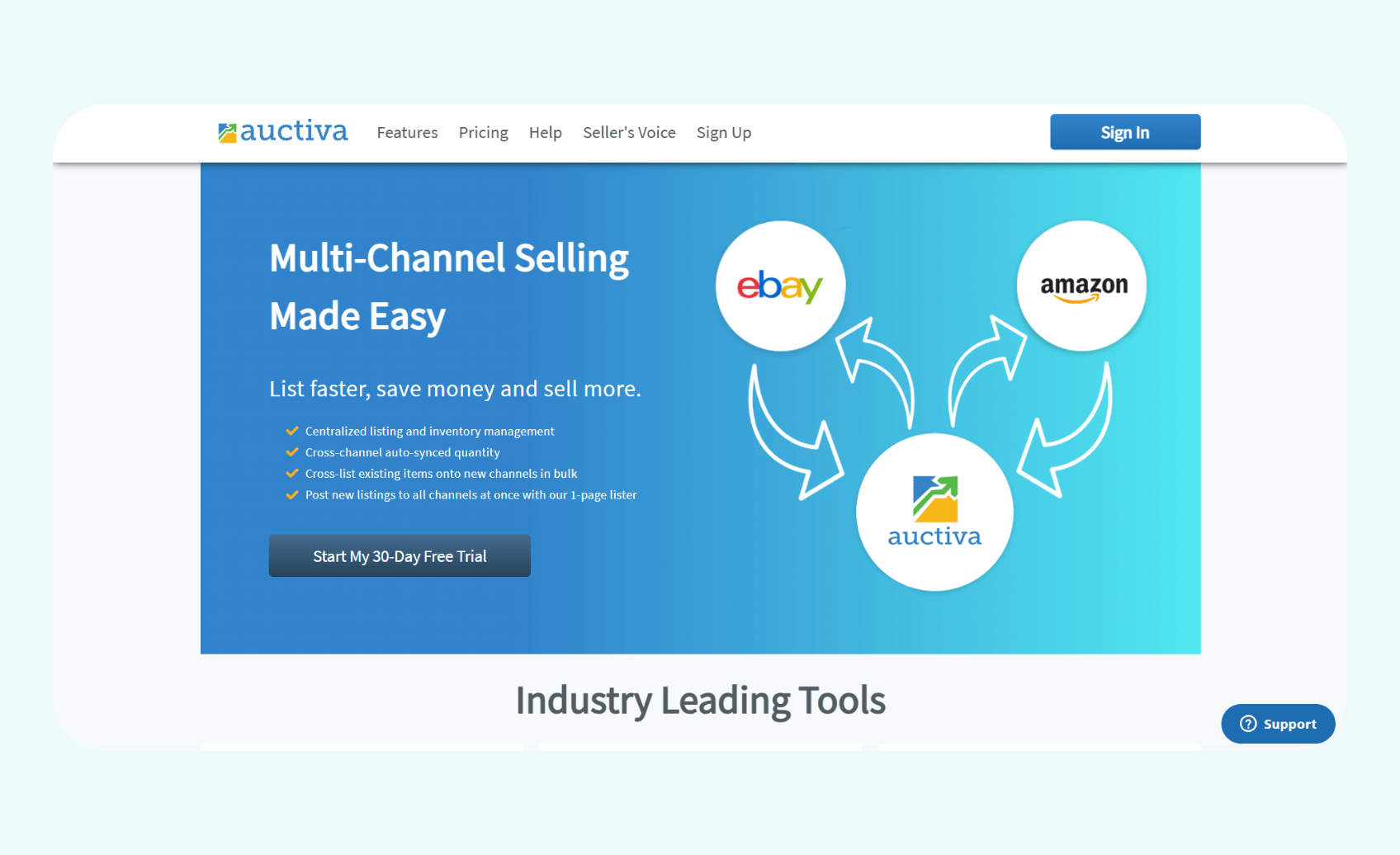
What it does: Auctiva is a multichannel listing and inventory tool that offers a one-page lister, bulk and CSV listing tools, image hosting, and 300+ eBay templates.
Who it's for: The tool suits multichannel and eBay sellers who want centralized listing and inventory management, image hosting, and bulk/automated listing tools, without moving to a highly complex enterprise system.
During testing, I used Auctiva’s eBay-focused listing templates and gallery features to improve my auctions. The tool’s scrolling gallery feature enabled me to showcase product photos in a more organized and visually appealing way within my listings. This feature made my auction listings appear more professional, polished, and trustworthy.
Key features
- Advanced scheduling capabilities: Schedule listings to post automatically at chosen times.
- Customizable listing templates: Design professional listing layouts with scrolling galleries, promotional banners, and cross-promotion sections that showcase your brand.
- Automated relisting tools: Use Auctiva’s auto-lister tools to relist existing products with minimal manual effort.
Pros
- Extended free trial: Auctiva offers a 30‑day free trial with access to its listing, template, and image-hosting tools.
- Battle-tested: Operating since 1998, Auctiva has supported many eBay sellers over the decades, demonstrating longevity and stability.
Cons
- Outdated interface: I considered Auctiva’s interface dated compared with newer cloud tools.
Pricing
Auctiva’s pricing starts at $12.95/month.
Bottom line
Auctiva serves established eBay sellers who appreciate traditional listing tools, free image hosting, and scheduling capabilities without needing modern AI or crosslisting features.
7. SixBit eCommerce Toolkit: Best for advanced listing control

What it does: SixBit provides desktop-based e-commerce listing management software (with a strong focus on eBay) that includes advanced inventory control, bulk editing tools, and detailed reporting tools.
Who it's for: This eBay listing software appeals to eBay sellers managing large inventories who need granular control over listings, detailed reporting, and powerful desktop software functionality.
When I tested SixBit's inventory management system, I found that the software could track stock levels. Larger sellers storing goods at multiple locations can use this feature to manage inventory across warehouses. The tool maintained detailed records of product quantities, SKU variations, and storage locations within a local database on my computer.
Key features
- Bulk editing tools: Modify hundreds or thousands of listings simultaneously by adjusting prices, descriptions, and item specifics through filtering and batch operation capabilities.
- Advanced inventory tracking: Manage stock levels across multiple locations with detailed SKU tracking and inventory allocation tools.
- Detailed reporting and analytics: Generate customizable reports analyzing sales performance, profit margins, and marketplace trends that export to Excel.
Pros
- Exceptional granular control capabilities: SixBit provides detailed control over every aspect of listing management, inventory tracking, and order processing.
- Robust reporting for business intelligence: Analytics and customizable reporting tools deliver insights that help sellers make data-driven decisions on pricing, inventory, and marketplace strategy.
Cons
- Steep learning curve required: Users have noted that the extensive feature set and need for coding and SQL knowledge demand significant time investment to master fully.
Pricing
SixBit pricing starts at $29.99/month.
Bottom line
SixBit delivers exceptional value for eBay sellers who need advanced inventory control, detailed reporting, and granular management capabilities.
8. eBay Seller Hub: Best for native eBay management
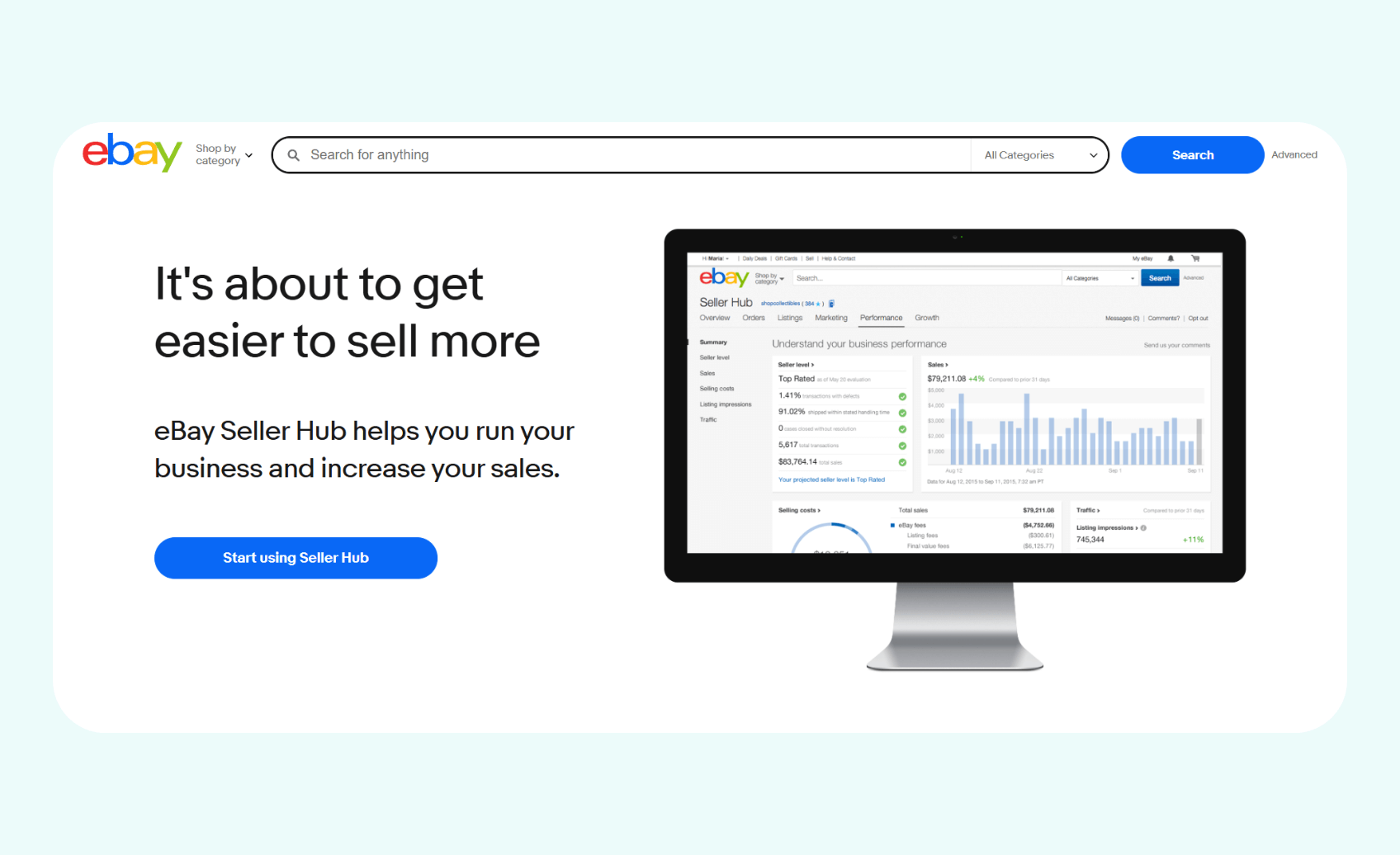
What it does: eBay Seller Hub provides a centralized dashboard for listing management, order processing, performance metrics, and marketing tools directly within your eBay account.
Who it's for: The tool works for eBay sellers of all sizes who need promotional tools, performance analytics, and integrated order management without third-party software costs.
I assessed Seller Hub's performance analytics suite, which showed sales history breakdowns with daily, weekly, monthly, and quarterly reports. The dashboard displayed transaction volumes, revenue trends, and category performance metrics directly sourced from my own eBay account.
Key features
- eBay performance analytics: View sales over time, listing and category performance, and traffic and conversion data in Seller Hub’s performance section to support data-driven decisions.
- Integrated order management system: Orders view lets you filter orders, typically for the last 90 days by default, print labels via eBay’s shipping/partnered services, view tracking, and track fulfillment states from one interface.
- Listing management interface: Create new listings, edit existing products, monitor active inventory, track listing performance, and manage item specifics.
Pros
- Intuitive with no extra setup: Because Seller Hub lives inside eBay’s interface, there’s no additional setup, and learning its dashboards and tools is an intuitive process.
- Official eBay integration: eBay developed and maintains the tool, providing direct integration with all platform features and pulling accurate data directly from eBay's internal systems.
Cons
- Restricted to eBay only: Seller Hub exclusively supports eBay without offering multichannel selling capabilities or inventory uploading with other marketplaces like Amazon, Etsy, Poshmark, or Depop.
Pricing
Seller Hub is entirely free for all eBay sellers and requires no subscription fees, setup costs, or usage charges.
Bottom line
Seller Hub delivers essential eBay management tools, for free, with official integration and accurate data, making it indispensable for all eBay sellers, regardless of experience level.
9. Frooition: Best for eBay listing design and optimization software
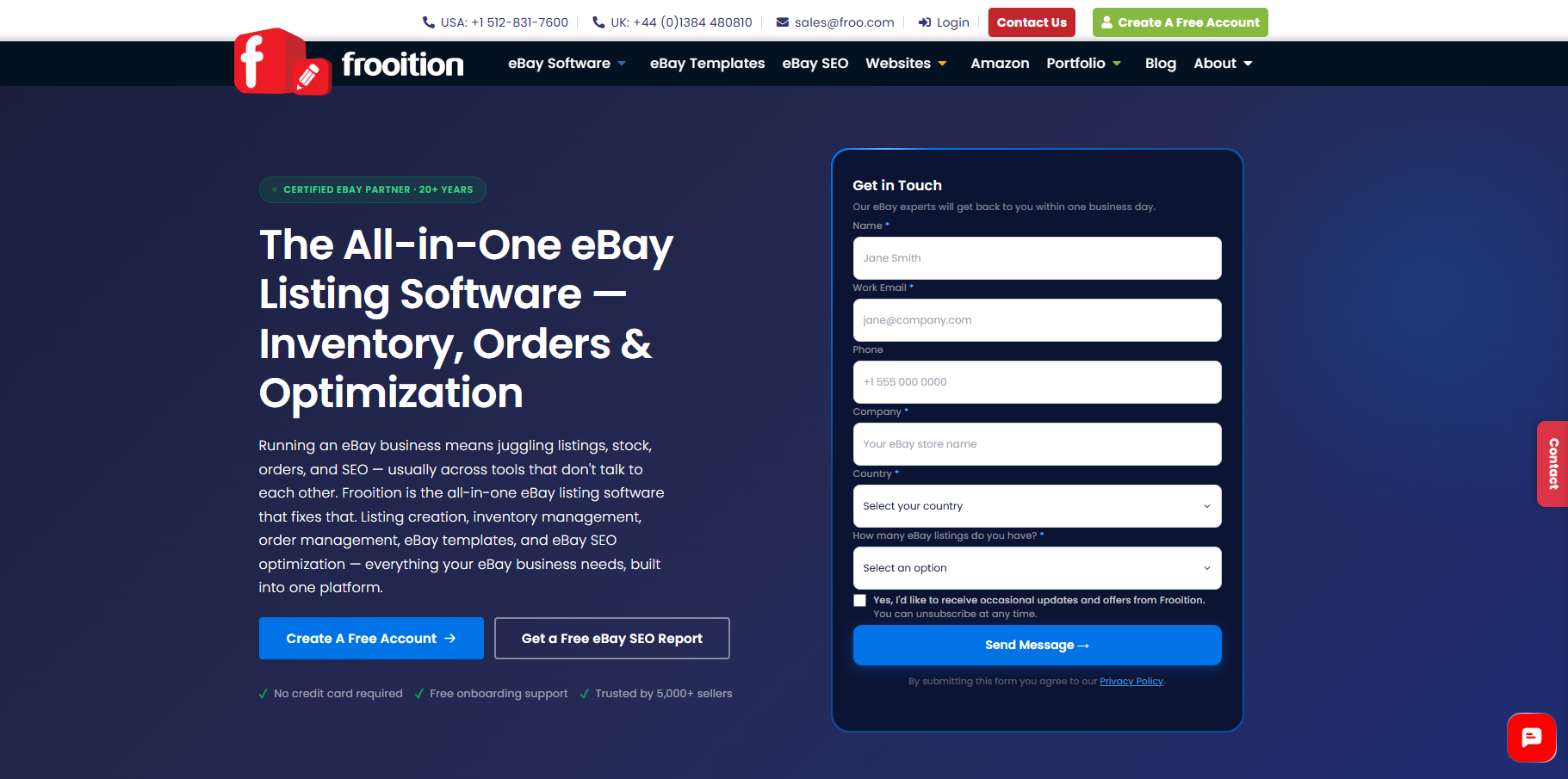
What it does: Frooition is eBay listing software combining custom template design, bulk listing tools, built-in eBay SEO, and an AI listing suite that generates titles, descriptions, and item specifics from product photos.
Who it's for: eBay-focused sellers and brands who want listing and store software purpose-built for eBay's rules and format range, rather than a generalist multichannel automation platform - eBay Certified Partner since 2008, serving 5,000+ sellers.
Key features
- AI listing suite: Generates titles, descriptions, and item specifics from product photos to speed up listing creation at scale - output isn't guaranteed compliant, sellers remain responsible for accuracy either way.- Bulk revision tools: Update titles, descriptions, pricing, and item specifics across large catalogs in one operation, covering the full catalog and listing format range rather than a subset of top categories.
- Built-in eBay SEO and compliance reporting: Flags missing or non-compliant item specifics across a seller's whole inventory to improve completeness and indexability.
- Custom listing templates: Branded, professional template design built specifically for eBay's listing page - a design layer eBay's own shop customization tools don't extend to.
Pros
- Deep eBay specialization - 20 years building software specifically for eBay's format and compliance rules, not a generic multichannel tool retrofitted to eBay.
- Combines software with human design input, useful for sellers who want both automation and a distinct, non-templated brand look.
Cons
- No native crosslisting to Poshmark, Depop, Etsy, or Mercari - Frooition's software is eBay-specific rather than multichannel.
Pricing
7-day free trial, then $46/month
Bottom line
Frooition suits eBay sellers who want purpose-built listing software - bulk tools, SEO, AI generation, and template design - without the overhead of a generalist multichannel platform.
How I tested each eBay listing software
Starting with 30 different eBay listing software applications, I created test accounts for each eBay tool and listed 25 vintage band T-shirts and 25 hoodies on each. I selected these top 8 software applications by assessing the following features:
- Automation capabilities: Automation features let you save time on repetitive tasks like relisting, sending offers, and inventory updates. I tested whether each tool handled these tasks automatically without manual intervention.
- Intuitive bulk editing: Bulk editing tools allow sellers to update hundreds of listings simultaneously. I evaluated how quickly the software processed bulk price changes and description updates across large inventories.
- AI listing quality: AI-generated listings can accelerate your workflow. I uploaded identical product photos to each tool and compared the resulting titles and descriptions to optimize keywords and improve readability.
I also considered these factors:
- Dashboard usability and navigation: Complex interfaces slow down operations and frustrate sellers. I assessed how intuitively the software organized features, whether essential functions were easily accessible, and if I could complete everyday tasks without documentation.
- Pricing value relative to features: Monthly subscription costs add up quickly, especially for new sellers testing profitability or established businesses managing tight margins. I compared each tool's pricing against its feature set and considered whether automation capabilities, integrations, and marketing tools justified the investment.
My final verdict: Which eBay listing software should you choose?
My top 8 eBay listing software solutions offer automation, multichannel management, and analytics capabilities. But each application targets different seller types and inventory scales, so choosing the right one depends on your specific business needs.
Choose Nifty if …
You sell across multiple resale platforms and need AI listing generation, cloud-based automation that runs 24/7, and bulk editing and uploading.
Choose 3Dsellers if …
You manage high-volume inventory across eBay, Amazon, Walmart, Etsy, and Shopify and need enterprise-level bulk-editing tools, customer service management, and automated promotional workflows.
Choose InkFrog if …
You're an e-commerce seller or dropshipper who values professional HTML templates, needs clean one-page listing creation tools, and wants to crosslist on platforms like Shopify, Amazon, or BigCommerce.
Choose WonderLister if …
You prefer desktop software to cloud-based tools and need fast local processing power to update thousands of listings offline simultaneously.
Choose CrazyLister if …
You prioritize visually stunning eBay listings with custom branding and want a drag-and-drop template design without coding knowledge.
Choose Auctiva if …
You run traditional eBay auctions, need free unlimited image hosting with scrolling galleries, and want scheduling tools with professional templates.
Choose SixBit if …
You have developer experience, need advanced inventory tracking, and want desktop software with granular control over every aspect of every listing.
Choose eBay Seller Hub if …
You exclusively sell on eBay, want completely free tools with official platform integration, and need basic performance analytics and order management.
Avoid eBay listing software if …
You list on eBay alternatives like Poshmark, Depop, Etsy, or Mercari, or have fewer than 10 listings monthly.
Sell more on eBay with Nifty
If you need a powerful eBay listing software that’s capable of managing items on other platforms, go with Nifty. It’s an automation and crosslisting tool that reduces manual work by providing crosslisting, bulk editing, and AI-automation capabilities.
Here’s why over 10,000 sellers use Nifty:
- Real-time analytics dashboard: Monitor eBay sales performance, track marketplace fees, identify your top-performing products, and spot slow-moving inventory to learn what drives profits and what wastes resources.
- AI-generated listings: Snap a photo and let Nifty's AI generate professional eBay listings with SEO-optimized titles and detailed descriptions. The cloud-based tool works on desktop and mobile, making listing creation effortless anywhere with an internet connection.
- Powerful bulk editing tools: Automatically recreate eBay listings on a cycle to keep listings fresh, and track results in History. Update prices, modify descriptions, or apply discounts to dozens of listings simultaneously. Schedule new listings to publish automatically during peak traffic hours.
Nifty pays for itself after just a few weeks, so what are you waiting for? Try a 7-day free trial.
FAQs
1. What is eBay listing software, and how does it work?
eBay listing software helps create, manage, and sometimes optimize listings. Some offer template libraries, bulk editing, and (for some tools) multichannel inventory uploading via API connections. Some advanced tools add AI listing generation and automation for relisting, and inventory updates to reduce manual work, but capabilities vary by provider.
2. Is third-party listing software better than eBay Seller Hub?
Yes, third-party listing software can be more powerful than Seller Hub if you’re crosslisting on eBay and other marketplaces. Although Seller Hub provides free, reliable tools for eBay-only sellers, third-party eBay listing software can deliver AI-powered listing generation, crosslisting capabilities, cloud-based automation, and multichannel inventory uploading.
3. What features matter most in eBay listing software?
Bulk editing, reliable inventory updates, and excellent photo tools are the features that matter most. These features allow sellers to rapidly upload, edit, and keep their listings on brand. When sellers use eBay listing software with these capabilities, they can create a higher volume of better listings that catch buyers’ attention.


.png)
.png)
.png)