Automate eBay listings: Tools and tactics to save time (2026)

Many sellers automate eBay listing tasks to save time and publish more items than before. But some don’t understand how to get automation started.
Here’s my breakdown that explains methods for eBay listing automation, introduces 5 automation tools, and shows you how to automate listings with a camera and an AI tool like ChatGPT.
What does it mean to automate eBay listings?
Automating eBay listings means using software to create, format, and publish listings. It reduces manual data entry and removes the per-item labor that slows sellers down when volume grows. Common methods for automating eBay listing creation include:
AI-generation tools
AI-generation tools let you input product data or images, which then produce eBay titles, descriptions, item specifics, and category suggestions. However, these tools aren’t perfect, so you’ll need to edit each listing for accuracy. Still, it speeds up listing creation by replacing a task that often takes 10–15 minutes per SKU.
Bulk listing automation
Bulk automation imports spreadsheets and full inventory uploads to your eBay seller profile. It enables batch editing across listings and scheduled publishing. Changes that would take hours in eBay's interface take minutes. But you’ll need to confirm accurate source data, because one simple error can affect your entire bulk listing.
Listing template automation
Listing templates allow you to lock in shipping rules, return policies, item specifics, and category assignments into a reusable structure. Every new listing starts pre-filled, helping you list similar inventory faster and avoid repetitive data entry. But templates struggle with mixed inventory, where product types differ enough that a single structure adds more complexity.
Best tools to automate eBay listings: At a glance
| Tool | Best for | Pros | Cons | Pricing |
|---|---|---|---|---|
| 1. Nifty | Multi-platform sellers managing inventory everywhere | AI listings, crosslisting, automated delisting workflows | Feature-heavy interface; monthly credit limits | Starts at $39.99/month |
| 2. LazyLister | Fast eBay listing creation workflows | Photo-to-listing generation; free tier available | eBay-only tool; no annual discounts | $49/month for unlimited listings |
| 3. eBay Seller Hub | Sellers operating exclusively on eBay | Native tools, templates, no extra cost | Limited AI features; basic automation | Free with eBay account |
| 4. 3Dsellers | Bulk template management for catalogs | Reusable templates, bulk edits, scheduling | Steeper learning curve; desktop-focused | Starts at $19/month |
| 5. Linnworks | High-volume multichannel reseller operations | Inventory sync, order routing, integrations | Expensive pricing; complex implementation process | Custom pricing |
1. Nifty: Best for multi-platform sellers
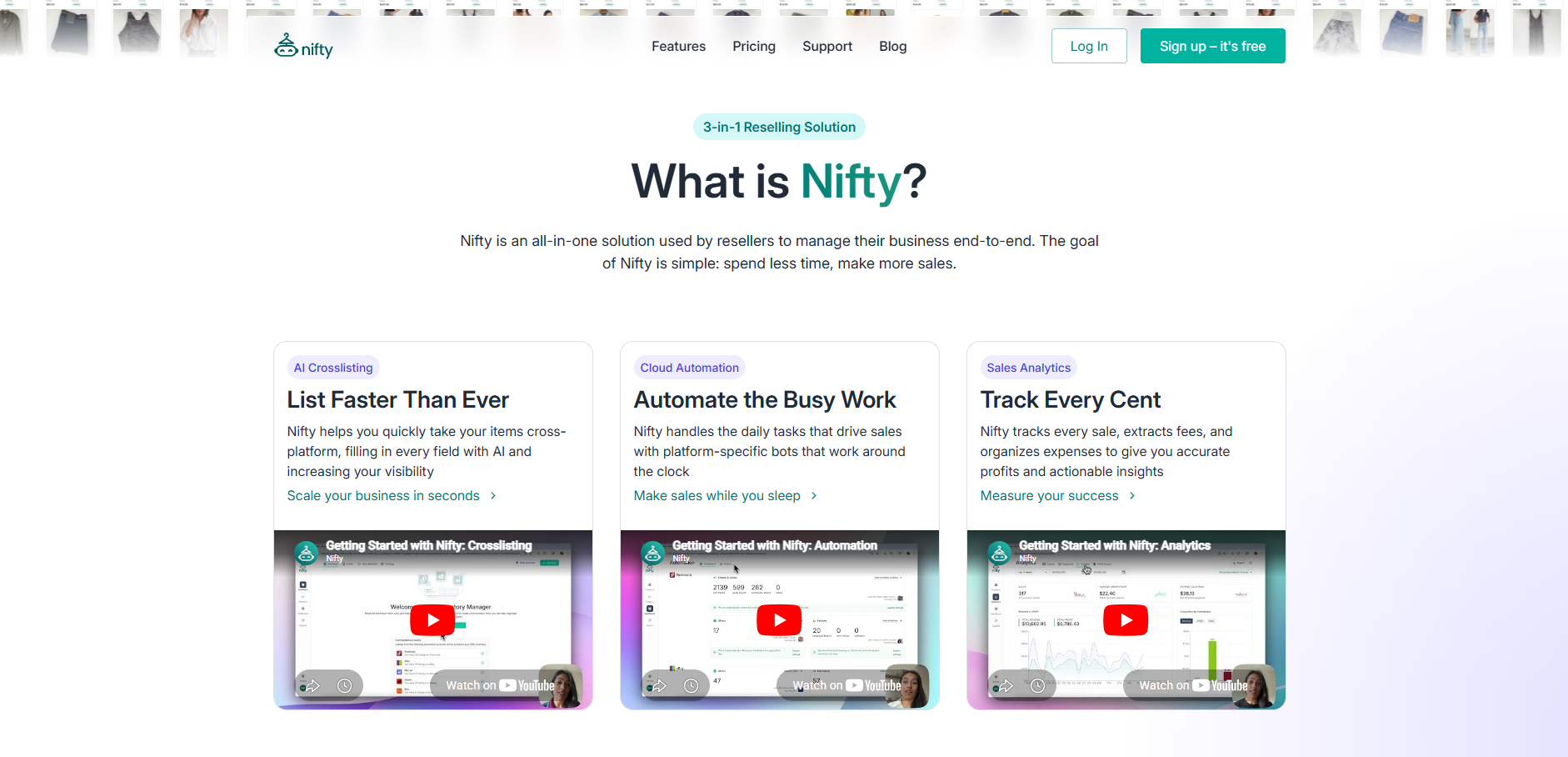
Nifty offers automated eBay listing creation with its AI generator. Drop in up to 8 photos, and it will automatically generate your title, description, condition, colors, style, and tags. It also creates marketplace-specific details like category, brand, size, and item specifics.
Nifty pros
- Multi-platform selling: Crosslist your eBay items on 5 other platforms, including Whatnot, Poshmark, Etsy, Depop, and Mercari, to expand your buyer reach.
- Auto-delisting: When an item sells on one platform, Nifty auto-delists the listing from all others.
- Bulk action automations, too: Automate eBay listings’ go-live times, sending offers, and recreating listings.
Nifty cons
- Feature-heavy: Because it offers more than just automation, Nifty may be too much if you just want a tool to automate eBay listings.
- Credit caps: Nifty limits Smart Credits to 500 or 1,000 per month (depending on plan). You’ll need to purchase more credits, which come in bundles of 200 for $5.
Pricing
For AI-generated listing creation, Nifty’s pricing starts at $39.99/month.
2. LazyLister: Best for eBay listing creation
LazyLister automates the creation of eBay titles, descriptions, and pricing from uploaded product photos. It’s ideal for eBay sellers of all sizes, listing dozens or hundreds of listings monthly.
LazyLister pros
- Photo-to-listing speed: AI identifies product details and quickly drafts a complete listing.
- Free plan: Avoid spending any upfront cash and generate 5 listings to test out the tool.
- Bulk photo processing: Multiple products can be uploaded and drafted simultaneously on paid plans.
LazyLister cons
- eBay only: No crosslisting support, so sellers on multiple platforms need a separate tool.
- No annual plan: Long-term users can’t get a discount, as LazyLister only offers monthly plans.
Pricing
Automate an unlimited number of eBay listings for $49.00/month (pricing available on homepage).
3. eBay Seller Hub: Best for eBay-only sellers

Seller Hub, one of eBay’s internal tools, handles bulk listing creation, batch editing, and scheduled publishing inside eBay. It suits sellers who only offer items on eBay.
Seller Hub pros
- Native platform access: Bulk edits apply directly without exporting, syncing, or third-party connections.
- Listing templates: Reusable structures pre-fill shared fields across similar product batches.
- No additional cost: Seller Hub is free for eBay sellers and included with your account once you’ve opened your eBay seller account.
Seller Hub cons
- Limited AI generation: Most Seller Hub workflows still rely on manual input, although eBay’s newer “Magical Bulk Listing Tool” can generate draft listings from images in some categories.
- Automation ceiling: You can bulk relist and schedule listings and reports, but automated offers, multi-channel relisting, and complex follow-ups still need manual triggers.
Pricing
Seller Hub is a free, complimentary feature that comes with opening an eBay seller account.
4. 3Dsellers: Best for bulk eBay listing templates
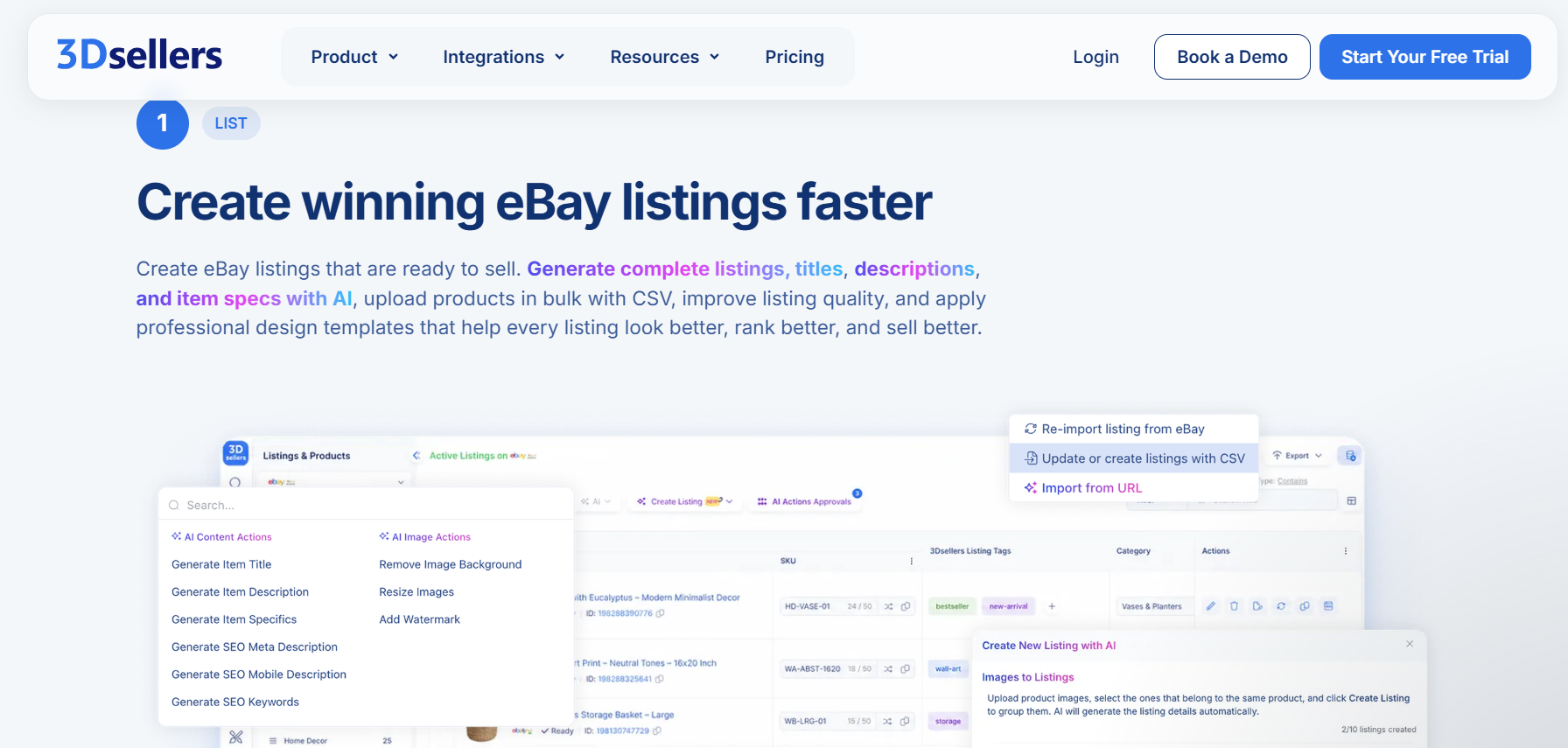
3Dsellers provides listing automation and template‑based publishing. It fits high‑volume eBay sellers managing large catalogs who want consistent listing templates and faster bulk changes.
3Dsellers pros
- Template library: You can build reusable listing templates so titles, descriptions, policies, and design elements apply consistently across hundreds or thousands of SKUs.
- Bulk CSV editing: Edit price, title, and inventory changes in a spreadsheet and push them to active listings in one upload.
- Listing scheduling: Schedule draft listings for publishing at specific times, so you don’t need to publish each item manually.
3Dsellers cons
- Learning curve: The all-in-one dashboard is powerful, but it can feel heavy for sellers with fewer listings who mainly need a simple listing helper.
- No mobile access: Listing and catalog management run through a desktop browser interface, which is less convenient if you prefer to work primarily from a phone.
Pricing
3Dsellers’ pricing starts at $19/month. Discounts available for annual plans.
5. Linnworks: Best for high-volume resellers
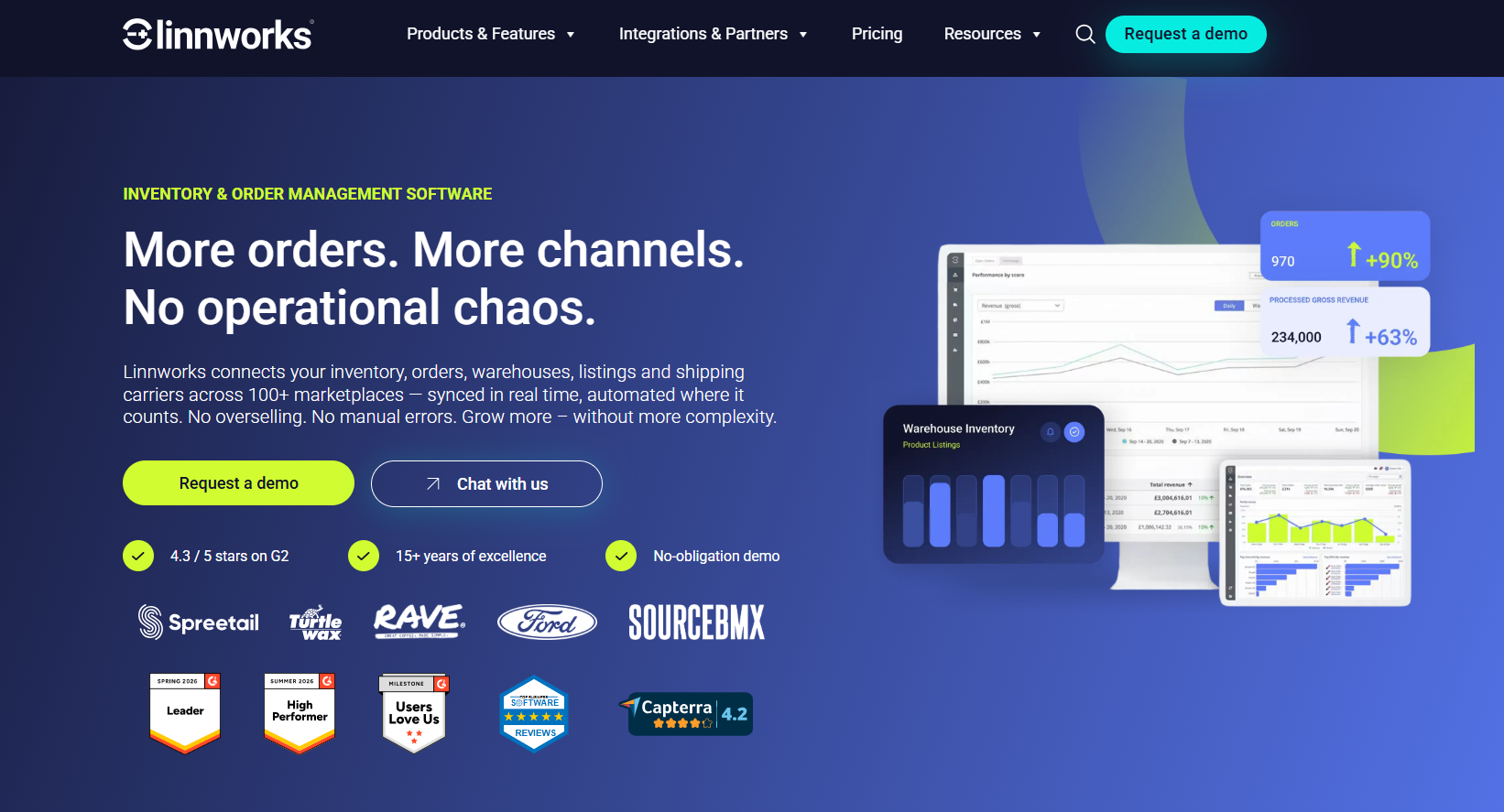
Linnworks updates inventory, orders, and listings across Amazon, eBay, Walmart, and Shopify from one dashboard. The multichannel listing software is ideal for enterprise-level sellers and dropshippers.
Linnworks pros
- Real-time inventory sync: Stock levels update across all connected channels within seconds of a sale.
- Automated order routing: Orders are sorted and assigned to the correct warehouse or fulfillment method without manual input.
- Channel breadth: Connects to over 100 integrations, covering marketplaces, shipping carriers, and warehouse systems.
Linnworks cons
- Enterprise pricing: Plans are primarily structured around higher order volumes and custom quotes, which can be expensive for early‑stage sellers.
- Steep setup curve: Configuring channels, SKU mapping, and warehouse rules requires significant technical time before you’re even set up.
Pricing
Contact the Linnworks sales team for a demo and custom quote.
How to automate eBay listing creation
Automate your eBay listing creation by snapping a photo and using one of my top 5 tools. Or, you can sign up for an AI service like ChatGPT or Claude. Here’s a simple 3-step eBay automation system:
Step 1: Capture product photos
Shoot photos with consistent lighting. If you have a solid photo-editing tool, you can remove backgrounds and add shadows or ghost mannequin effects. Always photograph any labels that carry model numbers or size info, and document visible defects separately. The photos you include are what the AI reads.
Step 2: Generate listing details with AI
Upload the photos to your chosen tool. If you’re using a tool like ChatGPT or Claude, prompt to produce a draft title, description, item specifics, and category suggestion from the image data.
Here’s a prompt that works on both ChatGPT and Claude that you can use to generate a listing on eBay:
“You are an expert eBay seller, product identifier, and listing specialist with 20+ years of experience creating high-converting listings across clothing, electronics, collectibles, toys, media, home goods, and hard goods. You have created over 100,000 successful eBay listings and understand exactly how buyers search for products.
Your primary goals are:
1. Accurately identify the item from photos.
2. Extract every possible detail visible in the images.
3. Create a listing optimized for eBay search visibility.
4. Reduce buyer questions and returns through accurate descriptions.
5. Never invent details that cannot be verified.
Analyze the attached photos and create a complete eBay listing.
Rules:
- Base all information only on what is visible in the photos.
- If a detail cannot be verified, write "Unknown" or "Not Visible."
- Extract all visible text, labels, tags, model numbers, serial numbers, dates, and markings.
- Identify any flaws, wear, scratches, stains, chips, cracks, discoloration, missing pieces, or defects visible in the images.
- Assume the buyer cannot see the photos and describe the item thoroughly.
- Use keywords naturally without keyword stuffing.
- Prioritize accuracy over assumptions.
Generate the following:
Product identification
- Item type
- Brand
- Model
- Color
- Size
- Material
- Age/vintage status
- Other identifying details
Suggested eBay category
- Write an SEO-Optimized eBay Title
- Maximum 80 characters
- Use the most important buyer search terms first
Item specifics
Provide all applicable item specifics in a structured format.
Condition description
Write a concise but detailed condition summary highlighting both strengths and flaws.
Key features
Provide 5–10 bullet points describing the most important features and selling points.
Full eBay description
Write a professional, buyer-focused description suitable for direct publication on eBay.
Search keywords
Provide additional relevant keywords buyers may use to find this item.
Step 3: Review and publish
AI drafts often get the structure right, but sometimes miss context. Always review your output against recently sold listings. Verify that the condition mentioned in the listing matches what the photos show. Confirm shipping settings reflect the item's actual weight and dimensions. Once everything is clear, publish.
Is automating eBay listings worth it?
Yes, automating eBay listings is worth it for most sellers, even sellers who only create a handful of listings weekly. But, like everything else in life, automation has drawbacks. Here’s a look at the benefits and limitations:
Benefits
- Faster listing creation: AI tools can create draft titles, descriptions, item details, and categories in seconds from photos and a few basic inputs. A listing that once took 10–15 minutes to create may take only a few minutes with the right setup.
- More consistent listings: By following the same format for every draft, AI helps keep titles, descriptions, and item details consistent and reduces missing information across listings.
- Higher listing volume: When each listing takes less time to create, you can publish more items in a single session. Many sellers can create dozens of listings in one sitting instead of spending all day listing products.
- Less manual data entry: Instead of typing and clicking needed for each listing, AI can fill in categories, item details, and shipping settings using photos, past listings, or saved templates. Just be sure to review every output.
Limitations
- AI can make mistakes: Sometimes, AI tools mis-identify products, choose the wrong category, or fill in incorrect item details. Review every listing before publishing it to catch errors.
- You still set the price: Although AI can suggest prices based on similar sales, it doesn’t know how much you paid for the item or how much profit you want to make. You need to decide the final price.
- Condition checks still require a person: AI is usually better at identifying an item than judging its condition. Physically inspect items for wear, damage, and functionality. Make sure the photos show flaws and the description explains the actual condition.
- Rare items need extra attention: Because AI uses vast amounts of data to generate output, it’s usually accurate with common items. But its output for rare collectibles and niche products may be less accurate and should be used only as a starting point.
Automate listings on eBay and other marketplaces with Nifty
If you’re looking for a way to automate eBay listings and reach more buyers, Nifty is your best bet. It’s a crosslisting and automation tool that handles listing creation, cross-platform publishing, and inventory from one interface.
Here's why Nifty works for sellers automating eBay listings:
- Mobile access: Snap a photo, generate a listing, and publish to eBay from your phone without touching a desktop.
- Photo-editing tools: Remove backgrounds, clean up images, and prep photos for eBay's requirements before the listing goes live.
- Analytics and profits: Track sales, fees, top performers, and slow movers in one clean dashboard, so you can actually see what's working and what's just dead space. You can also set and track seller goals directly from your home screen.
Nifty pays for itself in just a few weeks. Start with a 7-day free trial and see how Nifty reduces the manual listing work that's been slowing your eBay volume down.
FAQs
1. Can AI create eBay listings from photos?
Yes, AI can create eBay listings from photos. Tools like Nifty and LazyLister analyze uploaded images to automatically generate titles, descriptions, item specifics, and category suggestions. These tools can help cut listing time from 15 minutes to just a few, which means you list more inventory faster.
2. Does eBay have built-in listing automation?
Yes, eBay has built-in listing automation through Seller Hub. It supports bulk listing creation, batch editing, scheduled publishing, and reusable templates at no extra cost. eBay’s tools help reduce manual updates across large catalogs without requiring a third-party tool.
3. Can you bulk upload listings to eBay?
Yes, you can bulk upload listings to eBay via Seller Hub's CSV import or third-party tools like 3Dsellers, Nifty, and Linnworks. Uploading a spreadsheet pushes hundreds of listings simultaneously. This often cuts hours of manual entry down to minutes and reduces overselling risk across your catalog.


.png)
.png)