
9 best apps for resellers: Tested & reviewed (2026)
.png)
After testing 20 reseller apps, I found the best 9. Nifty is fantastic for automating workflows, Vendoo is good for beginners, and List Perfectly is excellent for unlimited crosslisting on 13 marketplaces.
Discover the 9 best apps for resellers, pricing, and how their AI features and mobile accessibility can improve your workflows.
9 best apps for resellers: At a glance
| Tool | Best for | Strengths | Pricing |
|---|---|---|---|
| 1. Nifty | Automating multichannel reseller inventory management workflows | AI descriptions, auto-delist, integrated background removal | Starts at $25/month |
| 2. Vendoo | Beginners managing simple crosslisting reseller workflows | Easy setup, mobile apps, marketplace compatibility | Starts at $14.99/month |
| 3. List Perfectly | Reaching many marketplaces with unlimited crosslisting | Unlimited listings, bulk edits, team permissions | Starts at $29/month |
| 4. Flippd | Tracking reseller inventory, profits, and sourcing expenses | Tax-ready exports, automatic profit calculations, free version | Free; plans start at $9.99/month |
| 5. Google Lens | Identifying products during reseller sourcing trips quickly | Free usage, accurate image recognition, barcode scanning | Free |
| 6. Photoroom | Creating professional reseller product photos quickly | Fast background removal, easy batch photo editing | Free; plans start at $5.99/week |
| 7. Pirate Ship | Reducing reseller shipping label postage expenses significantly | Free platform, discounted USPS, discounted UPS labels | Free |
| 8. eBay Seller Hub | Managing large-scale eBay seller operations efficiently | Bulk editing, analytics tools, integrated order management | Free for eBay sellers |
| 9. ScoutIQ | Scanning books for profitable Amazon resale opportunities | Offline scanning, eScore metrics, customizable profit triggers | Costs $44/month |
How I tested each app for resellers
I tested each app for resellers by looking at item management capabilities and how easy each tool was to learn. Here’s a breakdown:
- Learning curve: Most resellers want tools that they can use from day one. To test ease of use, I timed how long it took the apps to list items directly after setup. Apps requiring more than 20 minutes of setup before producing value ranked lower.
- Managing a mixed-platform storefront: Most resellers rarely sell on just one marketplace, so I tested each app while managing listings on 3 platforms at once. This revealed which tools handled cross-platform inventory by accurately updating bulk edits and actually syncing listings to each connected marketplace.
- Customer support responsiveness: Reselling can be very competitive, and if a tool breaks, you could lose sales to other shops. I sent support messages and timed the response. If a tool had an AI chat agent, I timed how quickly it could help me resolve issues on my own.
- Scalability: Most resellers want to grow their operation, so I picked tools that offered plans to accommodate scaling. I stress-tested each tool by importing the maximum number of listings each tool allowed and monitored for slowdowns, crashes, or pricing errors.
- Fee transparency: Hidden marketplace fees can add up and eat away at profit margins. I checked whether each app disclosed AI used credit limits, extra listing costs, and photo background removal.
1. Nifty: Best for all-in-one reselling automation
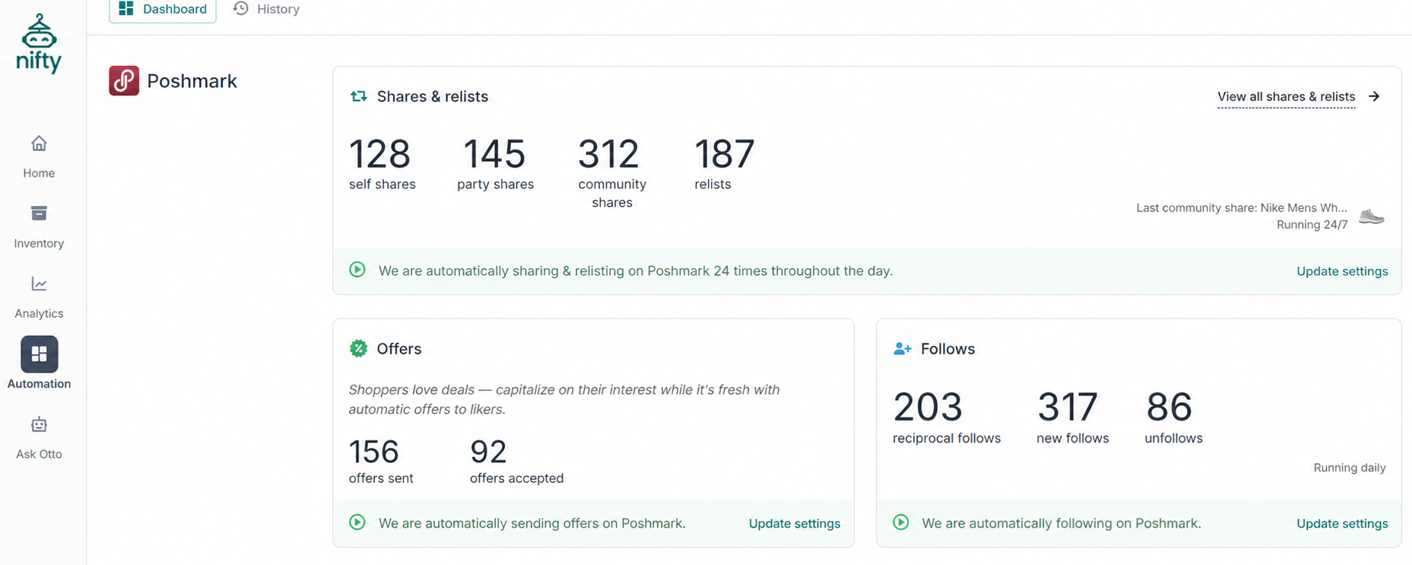
What it does: Nifty lets you crosslist items on 6 different platforms, automates tasks like relisting and delisting, and lets you manage your inventory on one simple command center.
Best for: Sellers of all sizes who want to save time and avoid copy-pasting, jumping between tabs, and manual tasks like description writing.
During testing, I uploaded pictures of 50 different vintage tees to Nifty and used the AI generator to quickly write descriptions and titles. I was able to publish these listings across my connected Poshmark, Etsy, eBay, and Depop accounts in less than an hour and a half. Although I needed to spend time learning the photo-editing tools, Nifty’s AI assistant Otto accelerated the process.
Key features
- AI listing generation: Writes titles, descriptions, and fills marketplace fields from a single product photo.
- Cloud-based automation: Runs sharing, relisting, and offer-sending bots without keeping your device open. It’s also compatible with mobile devices.
- Crosslist on 6 platforms: Upload your listings to Nifty and publish them on Whatnot, Etsy, eBay, Poshmark, Depop, and Mercari
- Analytics and tax reports: Nifty tracks every sale and organizes expenses into profit summaries for your accountant.
Nifty pros
- Automation respects platform limits: Nifty automatically caps sharing and relisting to respect platform limitations, helping avoid algorithmic penalties.
- Photo-editing tools: Edit photos and remove backgrounds with Nifty’s Photoroom integration.
- Sale protection: Auto-delist catches cross-platform double-sales before they become refund problems.
Nifty cons
- No dedicated mobile app: Although Nifty is cloud-based and you can access it via mobile web browser, it doesn’t have a downloadable app available in the Apple App Store or Google Play Store.
- Feature depth: Nifty offers more features than most tools, from bulk editing to tone adjustment in the AI writing tool. Learning the entire tool takes time.
What real users say
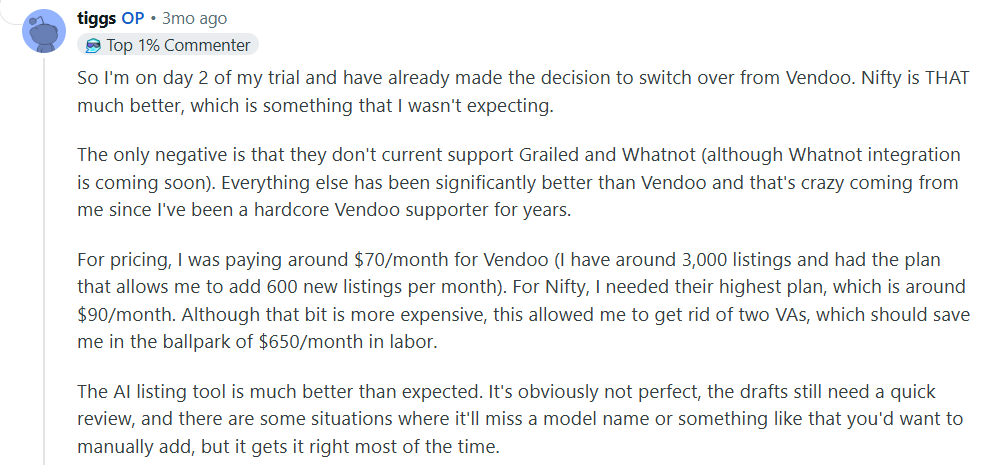
“So I'm on day 2 of my trial and have already made the decision to switch over from Vendoo. Nifty is THAT much better, which is something that I wasn't expecting.” – Reseller on Reddit; January 2nd, 2026

“The biggest con for me is that FBMP isn't one of the apps they include. I have made over 1k this month from Facebook so no thank you …” – John Nagel, Facebook; January 21st, 2026
Pricing
Nifty automation plans start at $25/month.
Bottom Line
Nifty suits beginners with under 50 listings as well as seasoned experts with 1,500+. But if you also sell books on Amazon, try ScoutIQ for barcode-scanning and demand data.
2. Vendoo: Best for beginners starting to crosslist
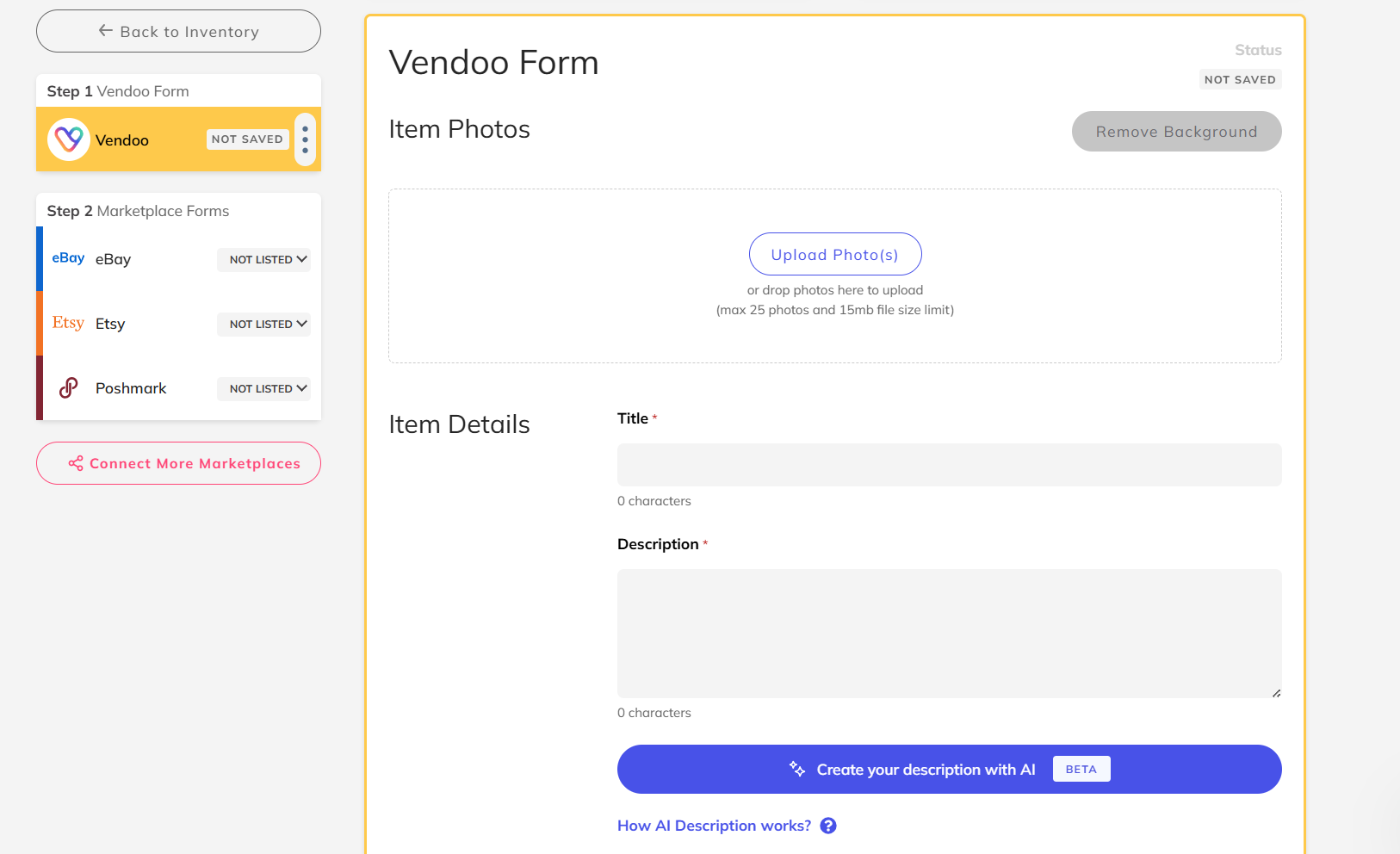
What it does: Vendoo is a crosslisting and automation tool that connects to 10 marketplaces.
Best for: First-time crosslisters moving from one platform, overwhelmed by inventory spread across browser tabs.
I tested Vendoo's core crosslisting workflow on eBay, Vestiaire Collective, and Grailed. The interface was intuitive and straightforward, allowing me to select marketplaces from an easy-to-find dropdown menu. But when I tried to upload 30 items at once, Vendoo only uploaded 22, so I had to upload the remaining eight one by one.
Key features
- Sale detection and auto-delist: Tracks supported marketplaces like eBay, Poshmark, Mercari, Depop, Vinted, Etsy, and Whatnot. When your accounts stay connected, it automatically removes sold items to help prevent double sales.
- Mobile app: Offers full iOS and Android apps, so you can crosslist and manage inventory from your phone. Most marketplaces work on mobile, except Facebook Marketplace and Shopify.
- Analytics dashboard: Shows basic sales metrics and trends. It can also track profit if you add cost and sales data, but it doesn’t provide profit and loss statements.
Vendoo pros
- Beginner-friendly setup: I could crosslist a handful of items in under ten minutes without touching any tutorials. But if I tried to crosslist more than 20 items at one time, some failed to upload to marketplaces.
- Marketplace breadth: Vendoo supports Shopify, Whatnot, Grailed, eBay, Depop, Poshmark, Facebook Marketplace (FBMP), Mercari, Vestiaire Collective (VC), and Etsy for crosslisting and online reselling.
Vendoo cons
- Auto-delist reliability: Sale detection depends on an active connection, meaning you’ll need to stay logged in for the feature to work.
What real users say
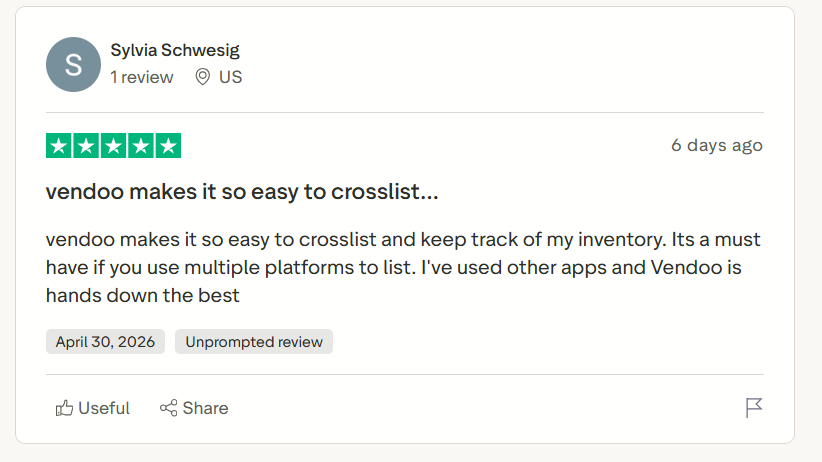
“Vendoo makes it so easy to crosslist and keep track of my inventory.” – Sylvia Schwesig, Trustpilot; April 30th, 2026

“Vendoo has been garbage for a while. They’re like Poshmark in that whatever “update” they make, it’s not the thing we actually need. Shipping has been broken when you try it with Depop and the app. It generates random SKUs it doesn’t detect sales …” – Reddit Reviewer; April 15th, 2026
Pricing
Vendoo’s pricing starts at $14.99/month.
Bottom Line
Vendoo makes the most sense when you're crosslisting under 250 items monthly and want a clean, mobile-friendly interface without a steep setup curve. Try Nifty for higher-volume workflows and more in-depth analytics.
3. List Perfectly: Best for marketplace reach
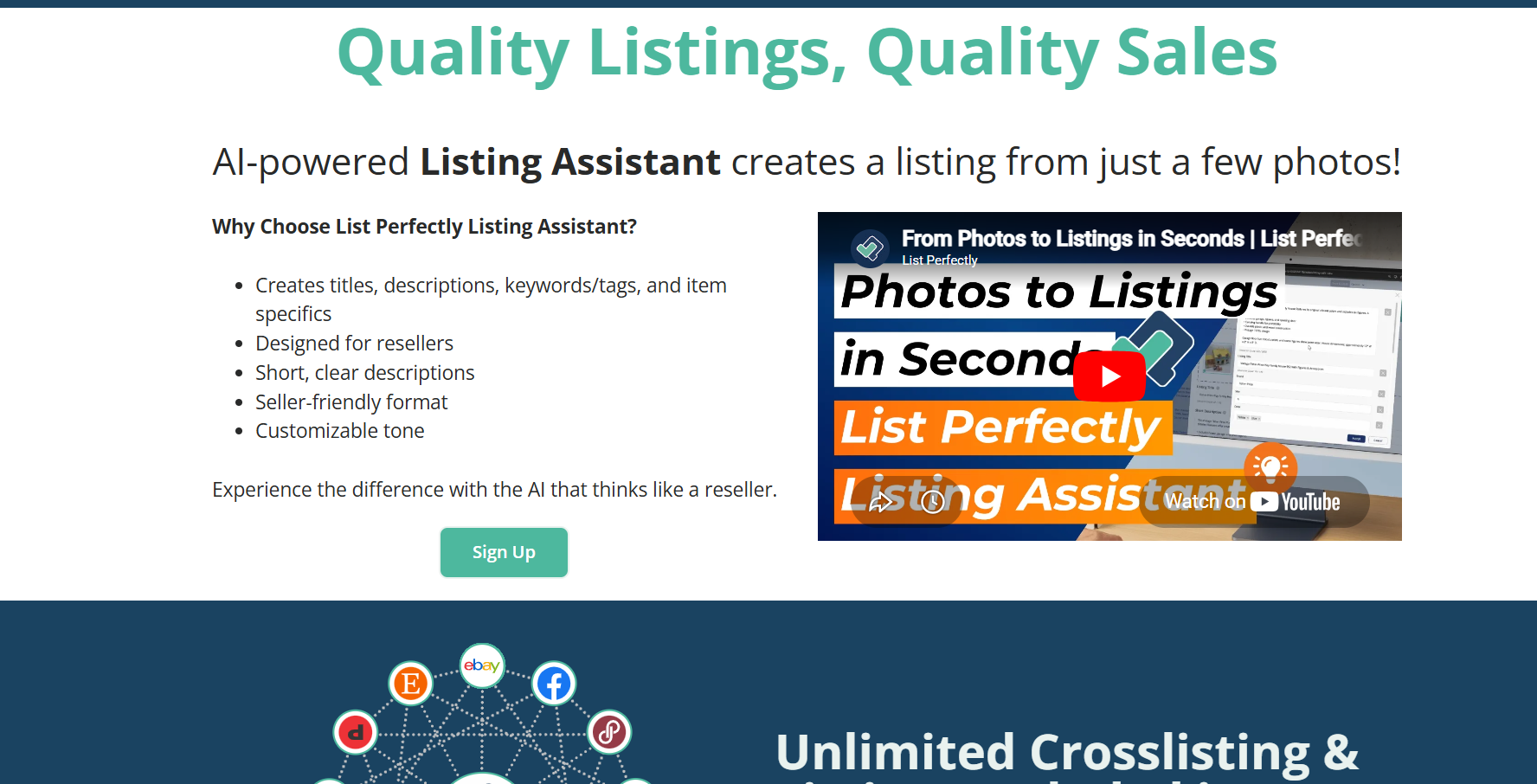
What it does: List Perfectly lets resellers crosslist items on 13 marketplaces.
Best for: Established, high-volume sellers who need to list on 5+ marketplaces.
I tested List Perfectly's crosslisting workflow by listing 20 vintage items to eBay, Etsy, Depop, Grailed, and Vestiaire Collective simultaneously. The Chrome extension pre-filled each marketplace form without requiring me to reopen the listing. But I couldn’t use the app on my phone, which made it difficult to manage listings while on the go.
Key features
- Unlimited crosslisting: Crosslist as many items as you want on supported marketplaces with no per-item or monthly crosslisting caps.
- Bulk import and edit: Pulls existing marketplace inventory onto a dashboard and edits listings at scale in one action.
- Real human support: Plans include access to real people via support and community channels, rather than only self-serve docs.
List Perfectly pros
- Marketplace coverage: Supports 13 platforms, including eBay, Poshmark, Mercari, Depop, Grailed, Vestiaire Collective, Etsy, Facebook Marketplace, Instagram, Shopify, Whatnot, Listing Party, and Vinted.
- Team account support: Pro Plus tiers can add sub-accounts with role-based permissions so assistants can manage your listings.
List Perfectly cons
- Desktop-only: The Chrome extension requirement requires you to keep a tab open and your desktop running.
What real users say
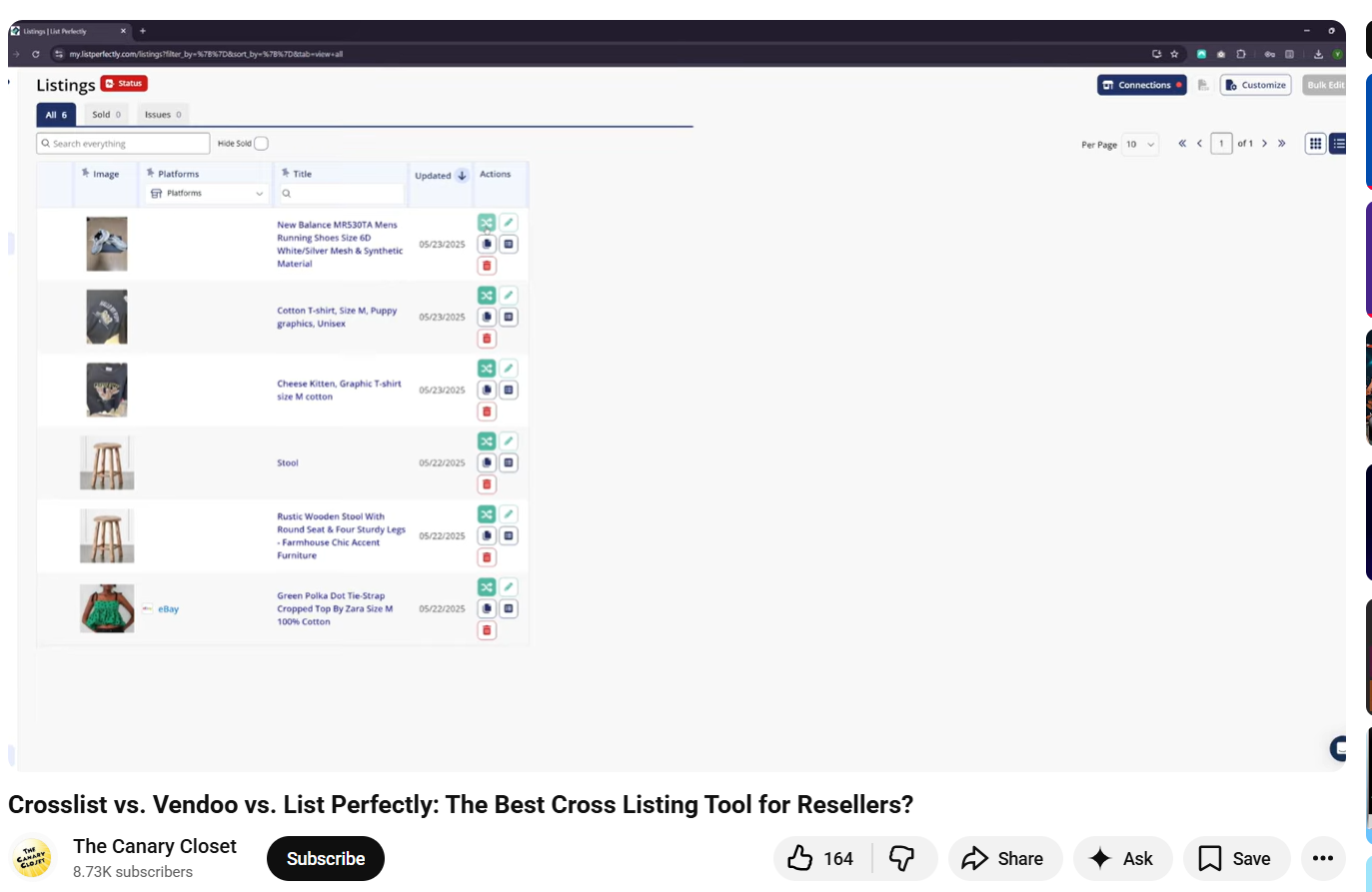
A YouTuber noted that List Perfectly’s template and single form features speed up workflows. (July 28th, 2025)
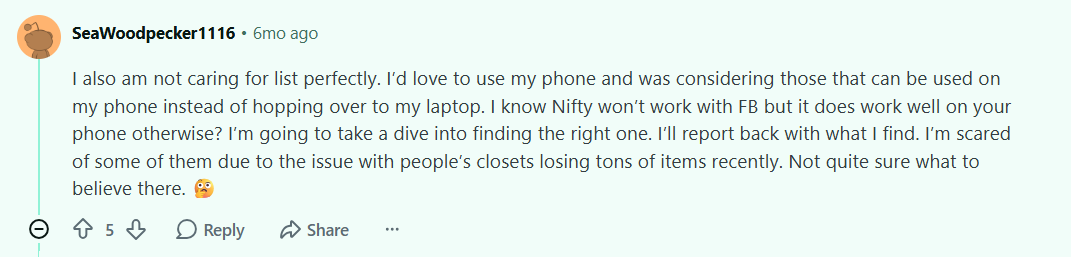
“I also am not caring for List Perfectly. I’d love to use my phone and was considering those that can be used on my phone instead of hopping over to my laptop.” – Reddit reviewer; November 18th, 2025
Pricing
List Perfectly pricing starts at $29/month.
Bottom Line
List Perfectly excels when you're crosslisting inventory across many marketplaces and need broad coverage. But if you prioritize cloud automation and mobile selling, try Nifty or Vendoo.
4. Flippd: Best for inventory and profit tracking
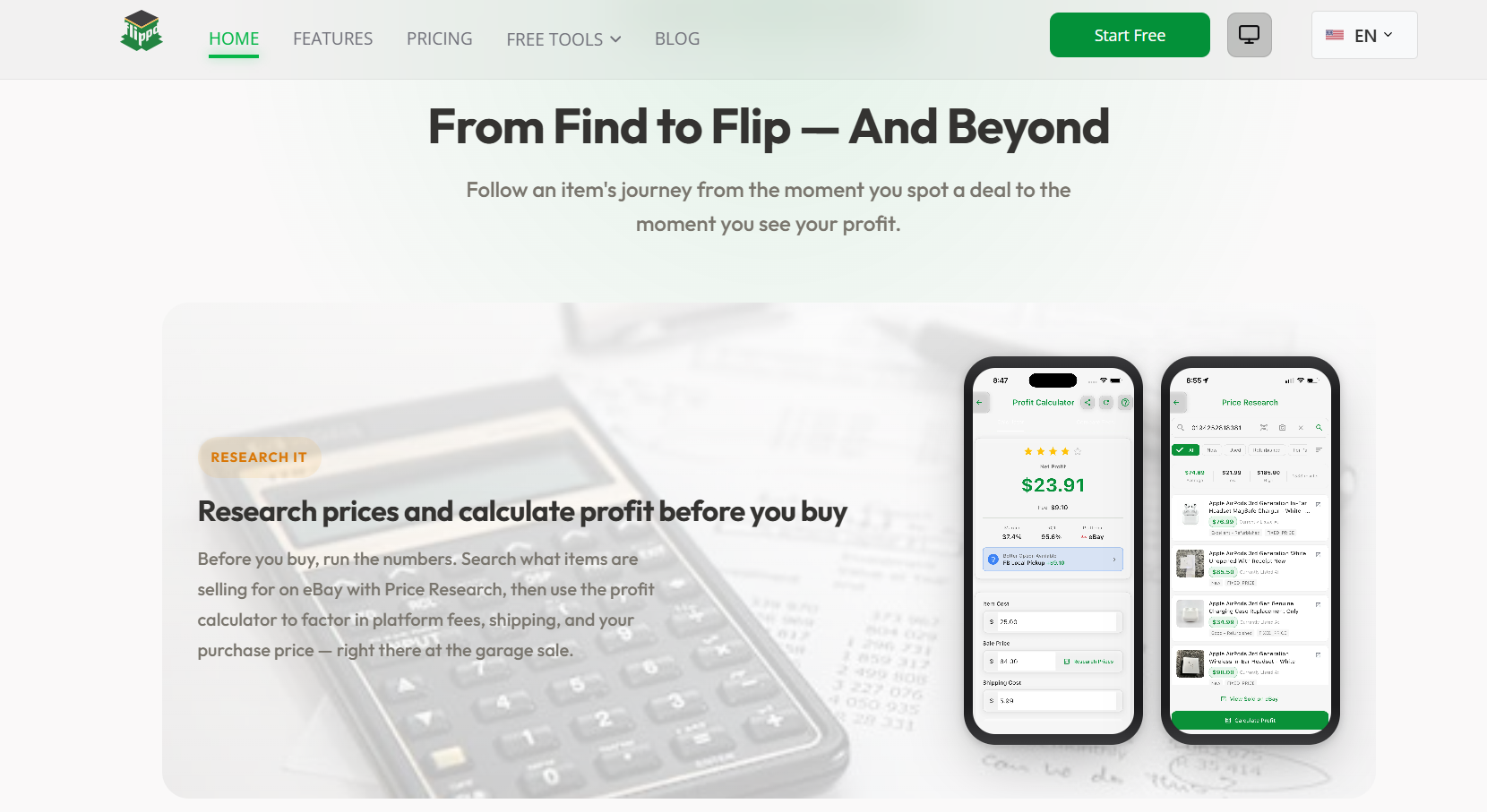
What it does: Flippd is an app that provides an online dashboard for inventory management and profit tracking.
Best for: Resellers who shop mainly at thrift stores, garage sales, and estate sales, who need to log sourcing trips from their phone and record their sales.
I tested Flippd's profit tracking by logging 7 Goodwill hauls over 6 days. After listing and entering the details, the app’s tracking tool calculated true net profit per item after platform fees, shipping, and cost of goods without any manual formula work. But I needed to use a separate tool for crosslisting and editing listing details.
Key features
- Automatic profit calculation: Applies correct platform fee percentages and subtracts all costs to show true margin.
- Mileage and expense tracking: Logs sourcing trips and expenses with IRS rate integration for tax-ready reports.
- Storage location labels: Generates QR codes for storage bins so items can be located and pulled in seconds.
Flippd pros
- Free version: Try out the tool on your own time without trial limits.
- Tax-ready exports: CSV exports include all fields an accountant needs for filing directly.
Flippd cons
- No crosslisting capability: Flippd tracks inventory but cannot push a single listing to any marketplace.
What real users say
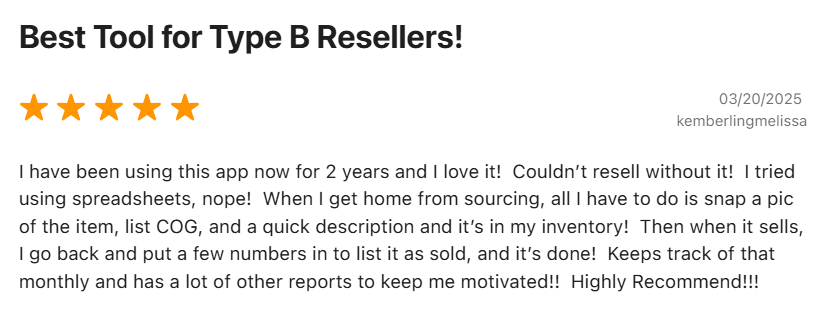
“I have been using this app for 2 years now, and I love it! Couldn’t resell without it!” – Apple App Store Reviewer; March 20th, 2025
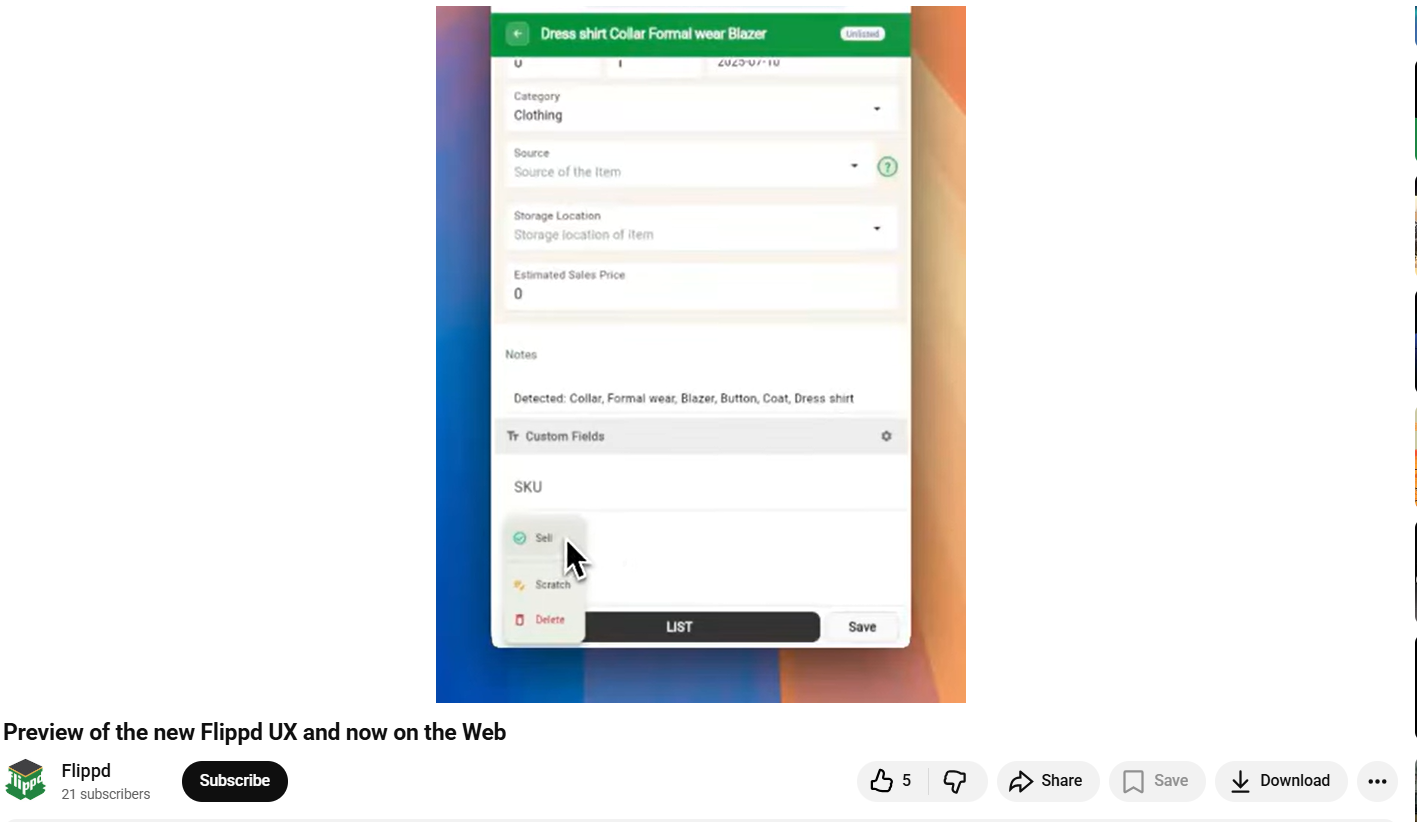
“A YouTuber said that several marketplace features were still in beta and not yet fully implemented.” (July 19th, 2025)
Pricing
Flippd has a free plan with limited options, and a Pro plan that starts at $9.99/month (discounts available for annual subscriptions).
Bottom Line
Flippd makes the most sense when you're sourcing multiple times a week and need a system to track your spending and revenue. But if you need an actual crosslisting tool for sales on over 10 platforms, try List Perfectly or Vendoo.
5. Google Lens: Best for sourcing decisions
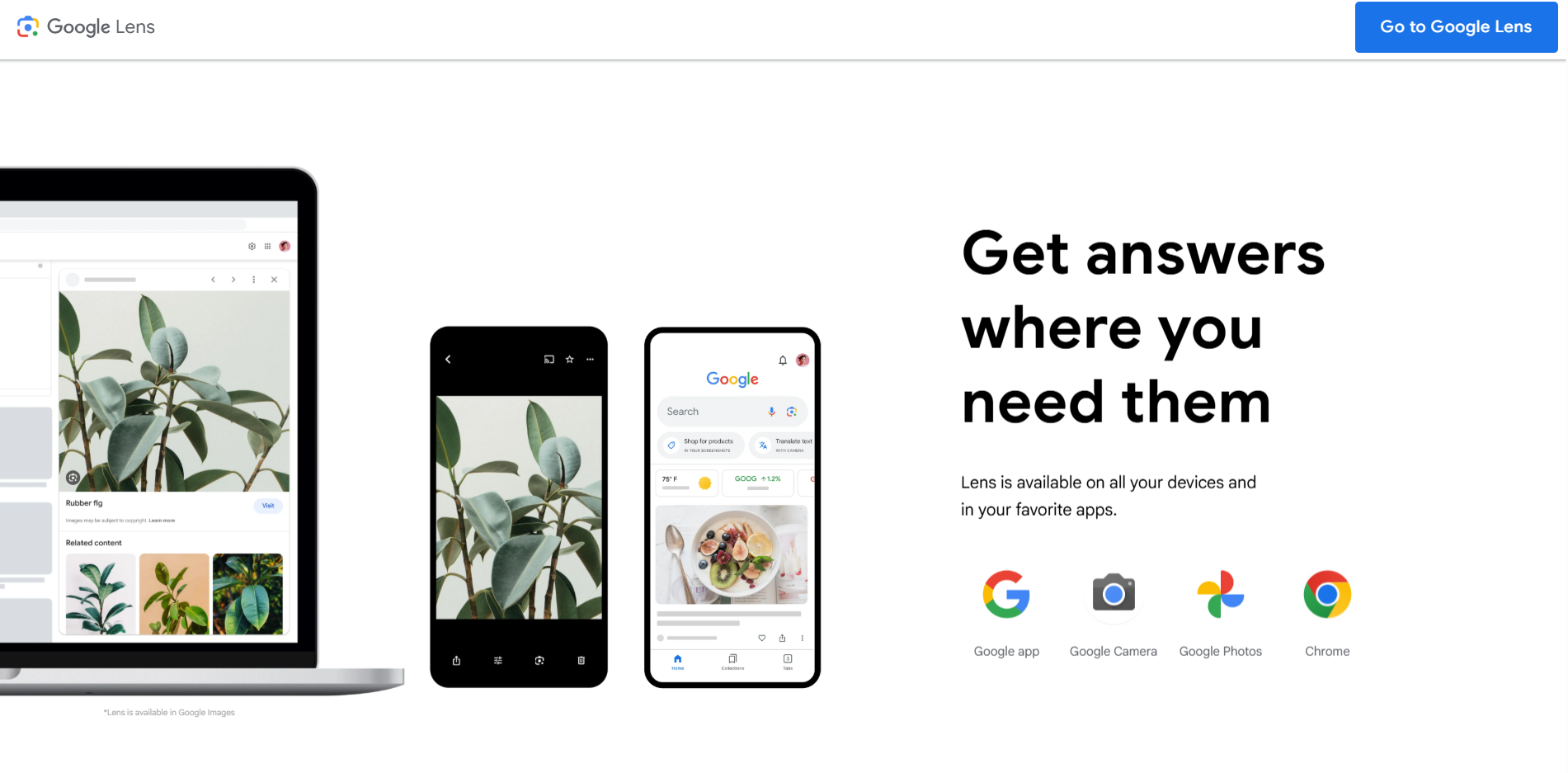
What it does: Google Lens lets you point a phone camera at any unmarked item and returns the brand, product name, and current retail pricing.
Best for: Any reseller who wants to quickly price an item for bartering at garage or estate sales.
I tested Google Lens at an estate sale by photographing 20 T-shirts. The tool returned pricing information for similar items on eBay and Poshmark, which helped me decide if trying to resell these items was worth it. However, when I did resell, the T-shirts went for a little less than Lens suggested.
Key features
- Text and label recognition: Reads maker's marks, stamps, tags, and printed text on items to surface product details.
- Barcode and QR scanning: Pulls up full product pages and pricing from a single scan of any barcode.
- Image search from photos: Runs reverse image searches on saved photos for items sourced before Lens was opened.
Google Lens pros
- Zero cost: Every feature is free with no subscription or usage limit required.
- Cross-category accuracy: Identifies ceramics, fashion, electronics, and furniture with equal reliability from one tool
Google Lens cons
- No reseller-specific workflow: Lens can’t log, track, or export identified items into any inventory system
What real users say
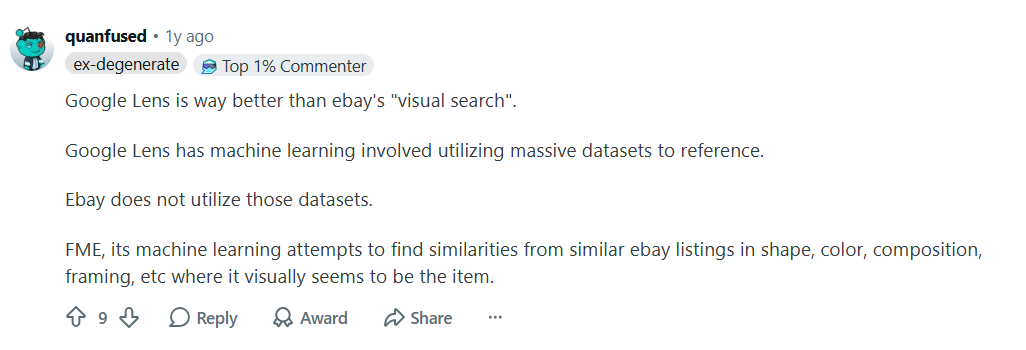
“Google Lens is way better than eBay's "visual search.” Google Lens has machine learning involved, utilizing massive datasets to reference. eBay does not utilize those datasets.” – Reddit seller; May 21st, 2025
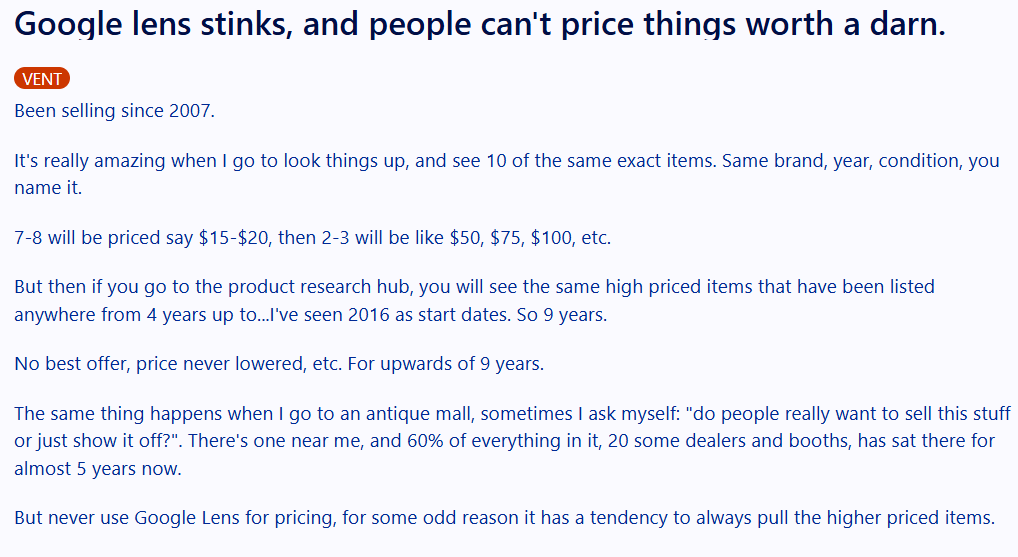
“But never use Google Lens for pricing, for some odd reason it has a tendency to always pull the higher priced items.” – Reddit seller; June 22nd, 2025
Pricing
Google Lens is free.
Bottom Line
Google Lens is an essential sourcing trip tool that helps with item identification. Plus, it’s free. But if you need actual sold comps and resale pricing to make confident offers, try ScoutIQ.
6. Photoroom: Best for clean product photos
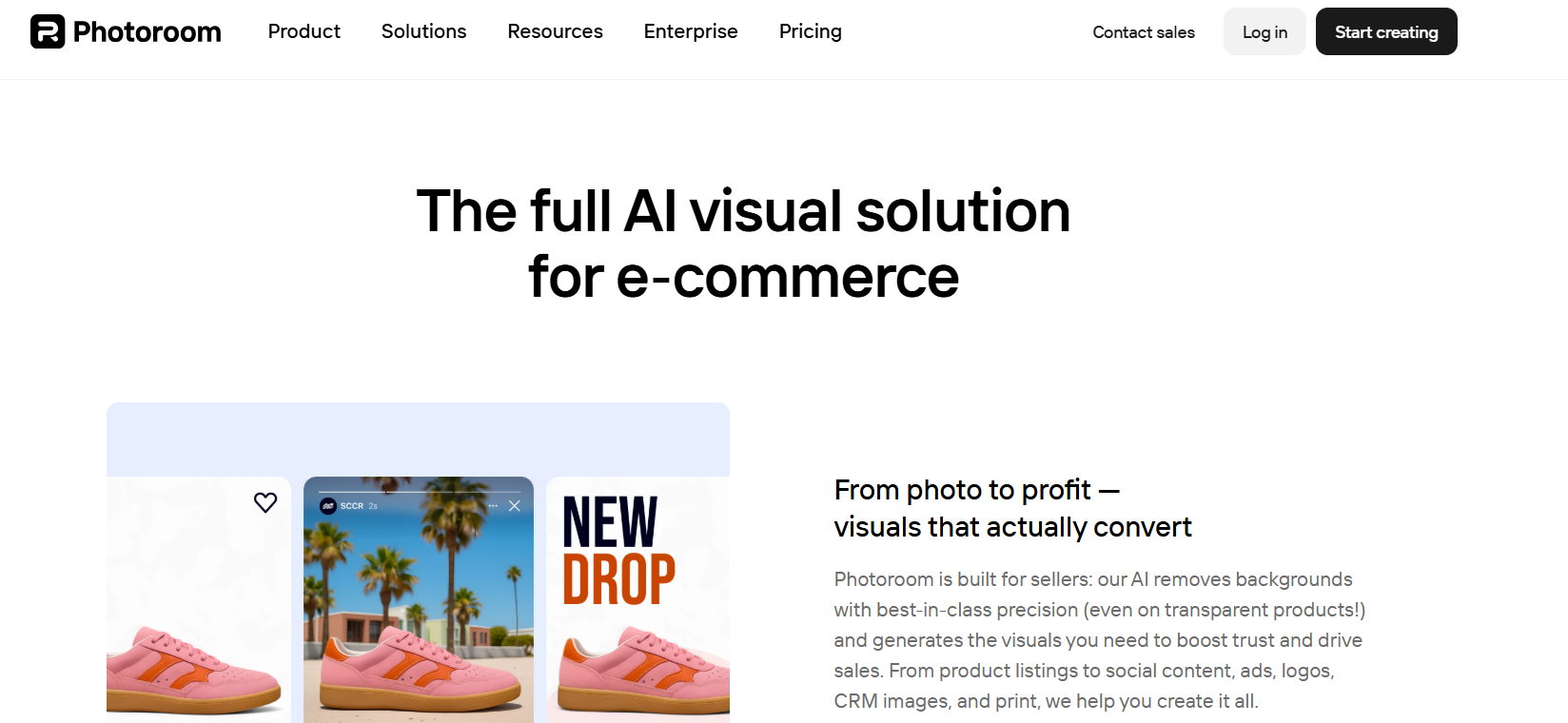
What it does: Photoroom lets resellers edit and clean up their pictures so they can make their listings more attractive.
Best for: Active sellers posting 20-plus items a week who want their photos to stand out from the crowd.
I tested Photoroom's background removal by processing a batch of 30 thrift items shot against my living room floor. Every item came back with a clean white background in under ten seconds per photo without any manual masking. But if you don’t have a crosslisting or automation platform, you’ll need to upload each photo to your marketplace one by one.
Key features
- One-tap background removal: AI isolates the product and outputs a clean white or custom background in seconds.
- Magic retouch tool: Removes price tags, blemishes, stray wires, and unwanted objects.
- Marketplace-ready export: Resizes and formats images for eBay, Poshmark, Etsy, Amazon, and Shopify in just a few clicks.
Photoroom pros
- Speed at volume: Batch processing turns an hour of photo editing into under five minutes per session.
- No design skills needed: Resellers with zero editing background produce marketplace-ready photos fast.
Photoroom cons
- The free plan isn’t commercially usable: Watermarked exports can’t be used on marketplace listings, making the free tier a test drive only.
What real users say
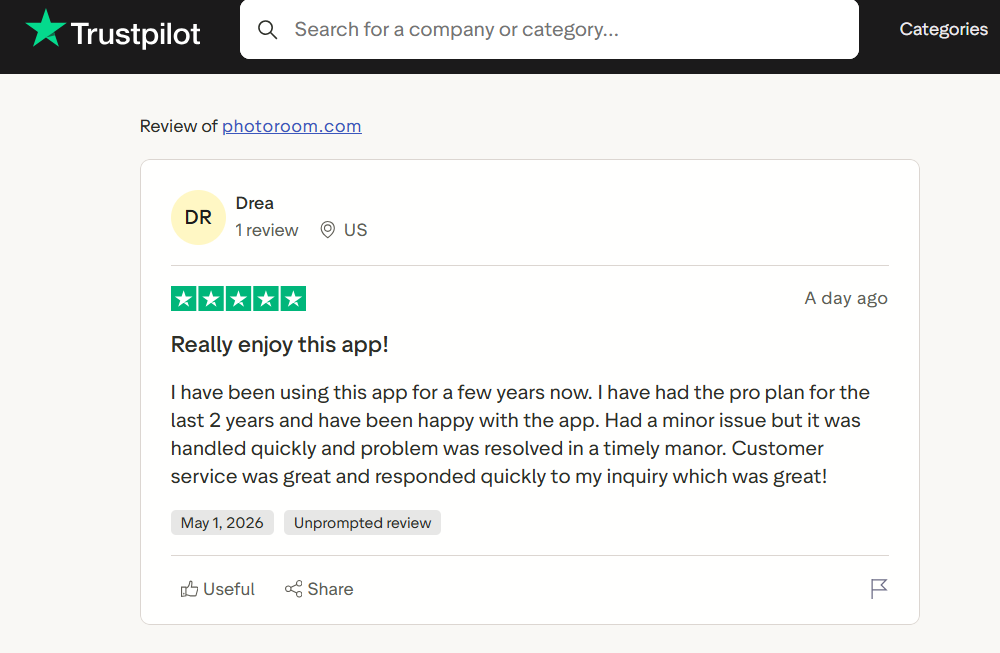
“I have been using this app for a few years now. I have had the pro plan for the last 2 years and have been happy with the app.” – Drea, Trustpilot; May 7th, 2026
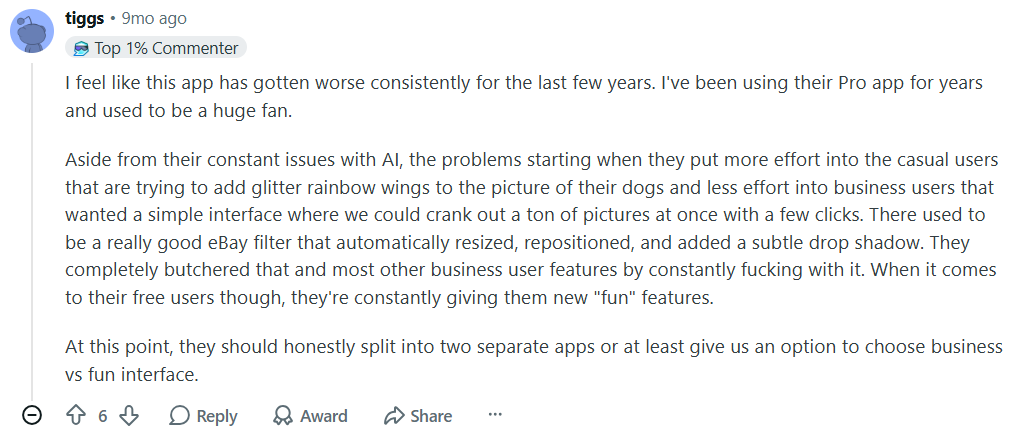
“I feel like this app has gotten worse consistently for the last few years. I've been using their Pro app for years and used to be a huge fan.” – Reddit user; August 9th, 2025
Photoroom Pricing
| Plan | Weekly | Monthly | Annually | Highlights |
|---|---|---|---|---|
| Free | $0 | $0 | $0 | BG removal, templates, 250 white-bg exports, limited AI |
| Pro | $5.99 | $12.99 | $7.50 | Advanced AI tools, HD export, 1000+ templates, brand kit, 5x AI credits |
| Max | N/A | $34.99 | $20.99 | Better AI models, Shopify publishing, video, priority support, 3x Pro credits |
| Ultra | N/A | $99+ | $82.50+ | Best AI models, advanced workflows, fastest processing, scalable credits |
| Enterprise | Custom | Custom workflows, SOC 2 API, dedicated CS, credit rollover, 200K+ images/yr |
Note: Weekly billing on mobile only; annual prices billed as one payment.
Bottom Line
Photoroom is an excellent editing software and works best for resellers on just one platform. If you’re crosslisting, try a tool like Nifty that comes with a Photoroom integration so you can also upload photos to your marketplaces of choice.
7. Pirate Ship: Best for discounted shipping label costs
What it does: Pirate Ship helps sellers cut label costs off retail USPS and UPS rates.
Best for: Sellers paying post office retail rates on over 20-plus packages a week.
I tested Pirate Ship by running identical package dimensions and weights through its rate calculator against USPS retail pricing. On a 2 lb package, the Priority Mail Cubic rate I saw was around 40% less than the retail price. But the tool has no native mobile app and operates entirely through a web browser, which will slow down your workflows if you’re used to mobile.
Key features
- USPS commercial-level pricing: Gives you USPS Commercial Pricing and Connect eCommerce rates that can be cheaper than standard Commercial Pricing, with no volume minimums.
- UPS discount access: Offers discounts of up to 85% off UPS Daily Rates on ground and air services.
- Priority Mail Cubic rates: Provides a USPS dimension-based Priority Mail sub-service that isn’t available at retail.
Pirate Ship pros
- Truly free to use: No subscription, no monthly fee, and no per-label markup. The only thing you pay for is the postage on each label.
- Side-by-side rate comparison: Shows USPS and UPS options in one view so you can pick the cheapest suitable service before buying a label.
Pirate Ship cons
- Separate from marketplace labels: You can’t use a platform’s built‑in, pre-made shipping labels and still get Pirate Ship’s discounts.
What real users say
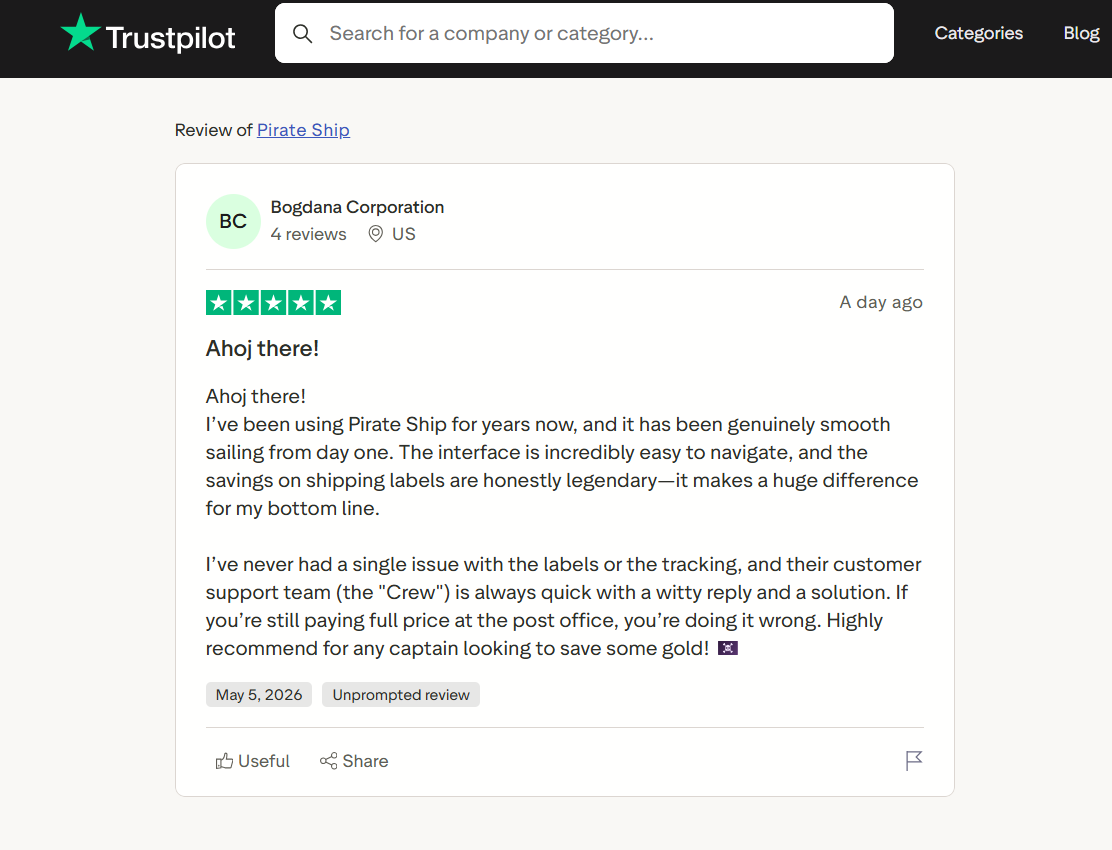
“I’ve been using Pirate Ship for years now, and it has been genuinely smooth sailing from day one. The interface is incredibly easy to navigate, and the savings on shipping labels are honestly legendary […] it makes a huge difference for my bottom line.” – Bogdanna Corp., Trustpilot; May 5th, 2026
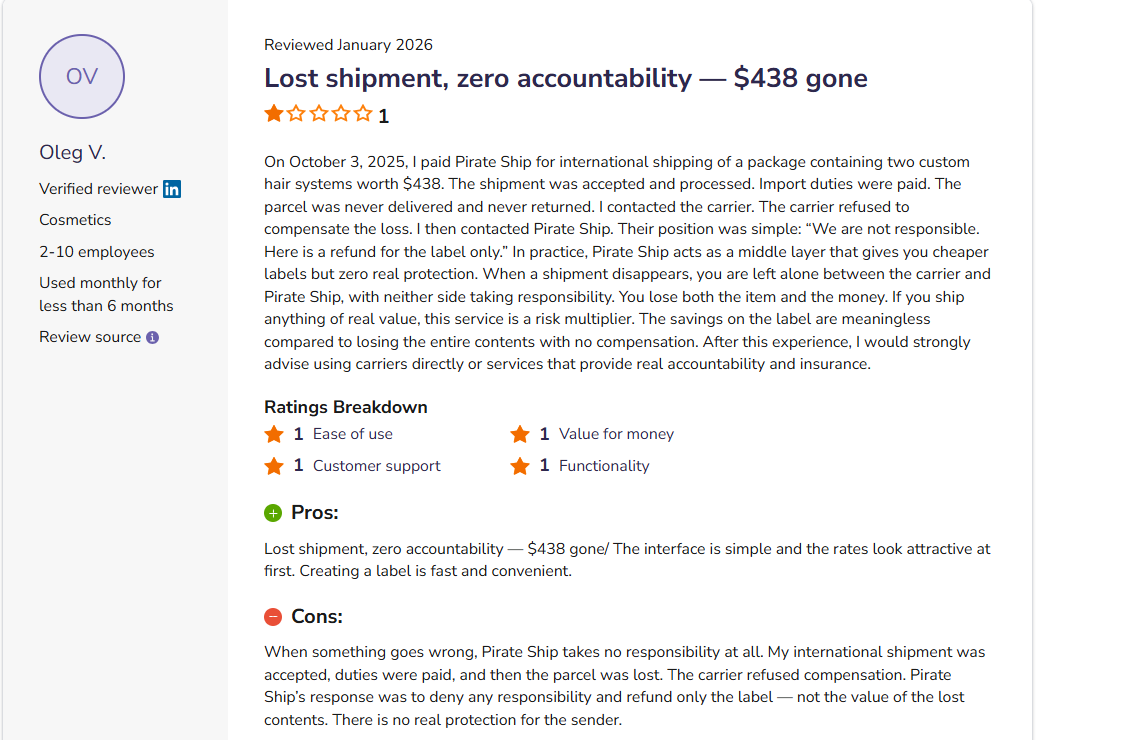
“On October 3, 2025, I paid Pirate Ship for international shipping of a package containing two custom hair systems worth $438. The shipment was accepted and processed. Import duties were paid. The parcel was never delivered and never returned.” – Oleg V., Software Advice; January 2026
Pricing
Pirate Ship is free.
Bottom Line
Pirate Ship makes the most sense if you offer your own shipping and don’t use a platform’s premade labels. If your primary bottleneck is listing volume or inventory tracking rather than label costs, try a tool like Flippd.
8. eBay Seller Hub: Best for managing your eBay store
What it does: eBay Seller Hub centralizes listing, bulk editing, analytics, and order management in one interface built for higher-volume eBay sellers.
Best for: eBay-only sellers who have grown beyond casual listing and need bulk controls, detailed reporting, and tighter operational oversight.
I tested eBay Seller Hub by bulk-editing prices and quantities across a catalog of several hundred active listings. The bulk editor handled 50 updates in a single pass, which would really help large-volume sellers. But these tools only work on eBay, not other platforms.
Key features
- Product research (Terapeak): Saves up to three years of eBay sales data for pricing, demand, and sell-through analysis.
- Performance and traffic analytics: Tracks impressions, click-through, conversion, and sales to identify what’s working in your store.
- Centralized order management: Processes orders, prints labels, handles returns, and manages cases from one dashboard.
eBay Seller Hub pros
- Built for scale: Bulk editing, templates, and analytics support sellers managing hundreds or thousands of listings.
- Free to access: Available at no additional cost for active eBay sellers.
eBay Seller Hub cons
- eBay-only environment: Offers no support at all for crosslisting to platforms like Poshmark, Mercari, or Depop. You’re fully locked into the eBay ecosystem.
What real users say
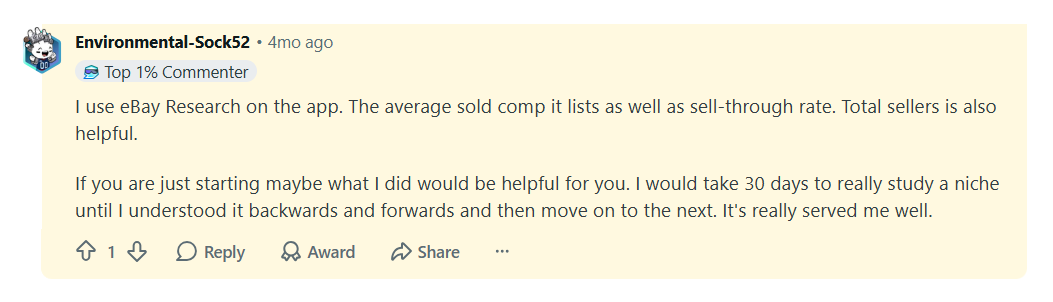
“I use eBay Research on the app. The average sold comp it lists as well as sell-through rate. Total sellers is also helpful.” – Reddit user; January 14th, 2026
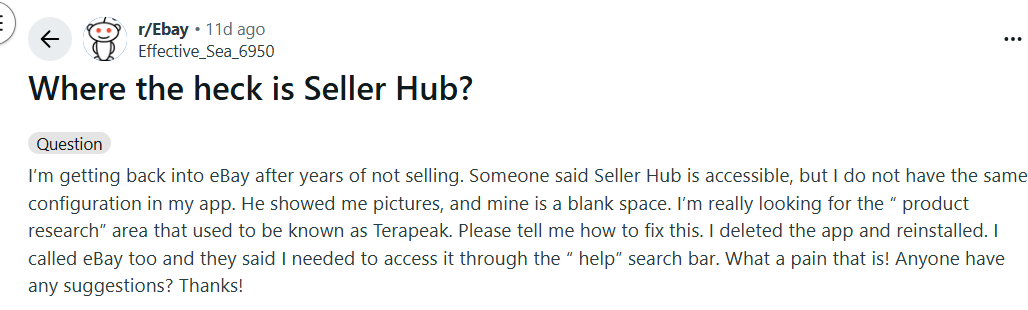
“Someone said Seller Hub is accessible, but I do not have the same configuration in my app. He showed me pictures, and mine is a blank space.” – Reddit user; April 26th, 2026
Pricing
eBay Seller Hub is free for eBay sellers.
Bottom Line
If you run a large eBay-focused catalog and need bulk editing, analytics, and built-in shipping label workflows, Seller Hub gives you a strong workspace. Sellers managing inventory across three or more marketplaces, however, will likely get more value from a crosslisting tool like Nifty, List Perfectly, or Vendoo.
9. ScoutIQ: Best for scanning and pricing books
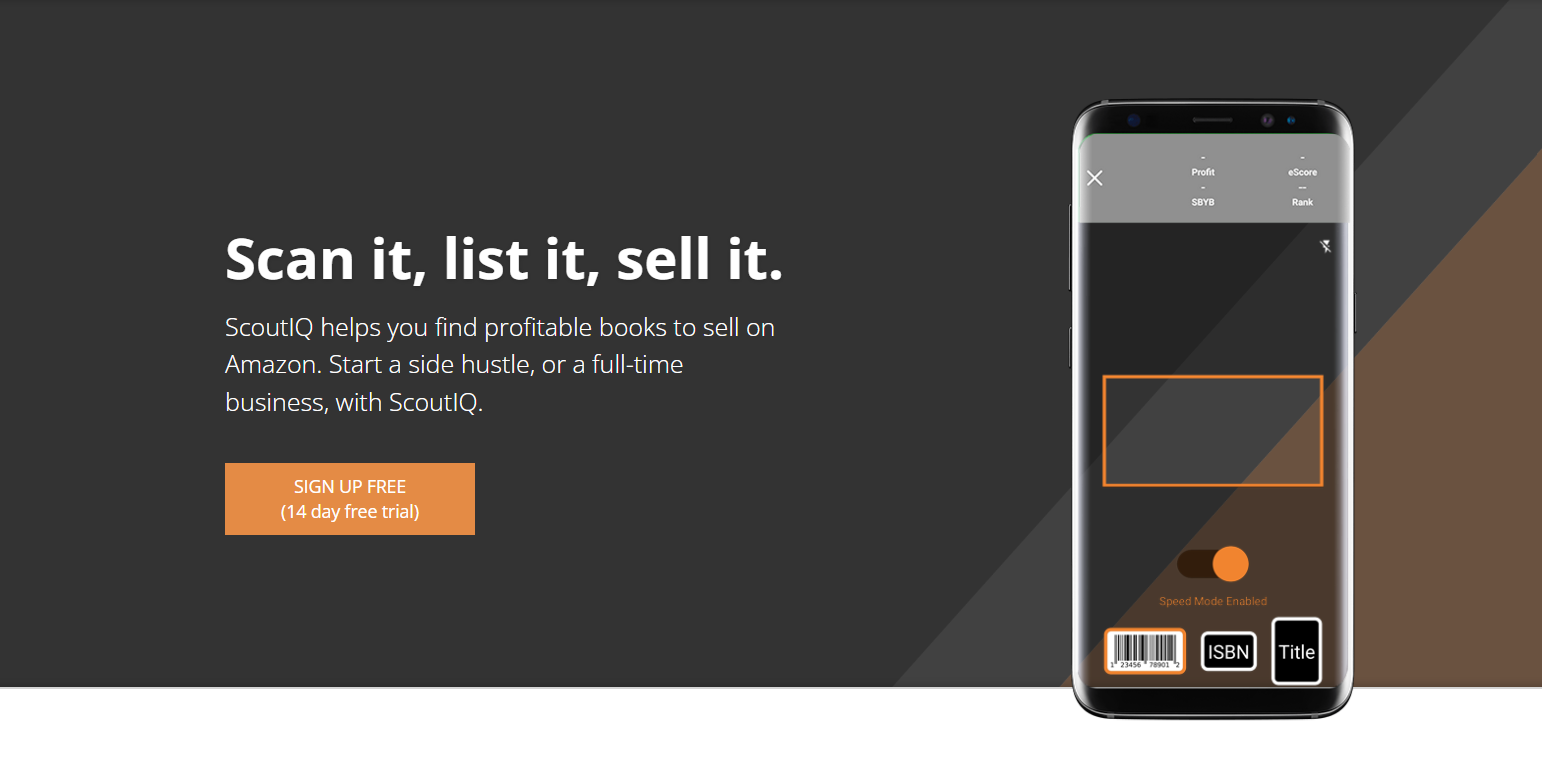
What it does: ScoutIQ scans a book's barcode and returns Amazon profit, sales rank, and six-month demand data in seconds.
Best for: Book resellers who sell on Amazon and other platforms.
I tested ScoutIQ's barcode scanning speed across a shelf of 50 mixed paperbacks at a thrift store. The app returned profit calculations, estimated FBA fees, and eScore demand data on each book. Although the tool is excellent for booksellers, it’s not useful if you’re selling items other than books.
Key features
- eScore demand metric: Estimates how many days in the recent six-month window a book has been sold at least once.
- Offline database mode: Downloads a book database with key Amazon pricing and demand data.
- Smart triggers: Customizable profit and sales thresholds that deliver automatic accept/reject decisions for each scan.
ScoutIQ pros
- eScore over rank: Emphasizes actual sales frequency instead of raw rank, which can change and mean different things across categories.
- Offline reliability: Database mode keeps sourcing running in basements, rural sales, and dead zones instead of forcing you to stop scanning.
ScoutIQ cons
- Amazon books only by design: Sellers sourcing clothing, electronics, or general merchandise get no useful data from this tool.
What real users say
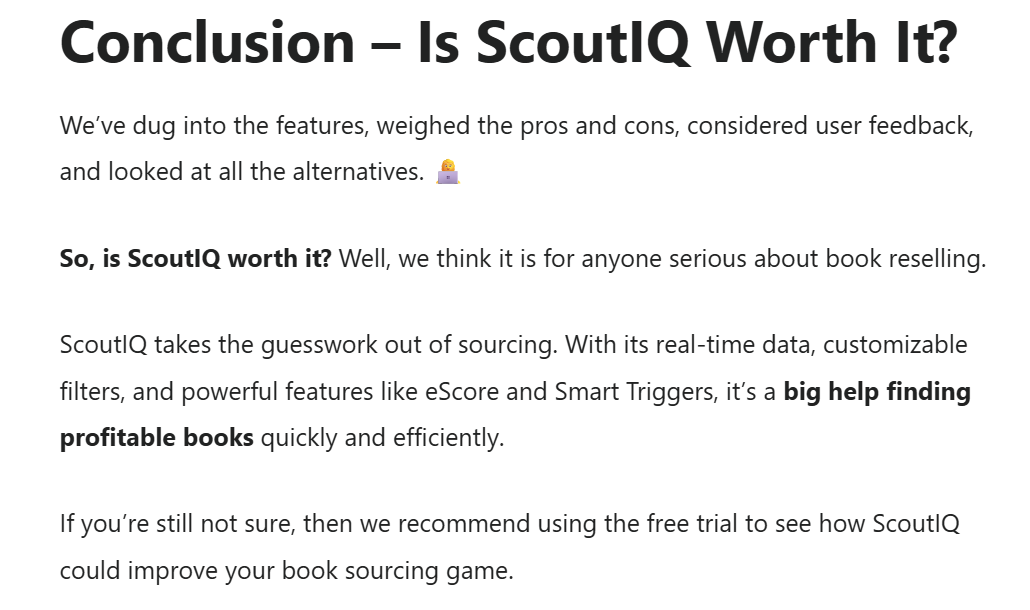
“So, is ScoutIQ worth it? Well, we think it is for anyone serious about book reselling. ScoutIQ takes the guesswork out of sourcing. With its real-time data, customizable filters, and powerful features like eScore and Smart Triggers, it’s a big help finding profitable books quickly and efficiently.” – Jason Percival, The Selling Guys; January 19th, 2026

“I use scoutiq also. None of these apps are going to be totally accurate, they are just a tool to help make a better decision.” – Robert Scheer, Facebook; August 18th, 2025
Pricing
ScoutIQ’s pricing is $44/month.
Bottom Line
ScoutIQ is an essential app for book sellers as it can give you reliable data to make sales. But if you need a tool to calculate other merchandise besides books, try Google Lens.
My final verdict: Which reseller app should you choose?
After testing each app, I determined that each one is a great tool but serves a different type of reseller. Here’s how to pick one for your reseller workflows:
Choose Nifty if you …
Want AI to write your listings, auto-delist sold items, and crosslist across 6 platforms.
Choose Vendoo if you …
Are new to crosslisting and want a clean, mobile-friendly starting point with no steep learning curve.
Choose List Perfectly if you …
Sell one-of-a-kind inventory across 13 marketplaces and need unlimited crosslisting.
Choose Flippd if you …
Source multiple times a week and need a simple mobile tool to track expenses and revenue.
Choose Google Lens if you …
Need a free tool that lets you identify items and check item info instantly.
Choose Photoroom if you …
List clothing or home goods on a single platform and want professional product shots.
Choose Pirate Ship if you …
Provide your own shipping and want to save on it.
Choose eBay Seller Hub if you …
Are an eBay-focused seller and need bulk editing, traffic analytics, and order management without paying for a third-party tool.
Choose ScoutIQ if you …
Are a book seller and need reliable demand and pricing data.
Create, manage, and crosslist more items with Nifty
The best apps for resellers reduce manual work and help increase your buyer base. Nifty connects to six reseller platforms, supports bulk actions, and includes photo-editing features, making it one of the strongest choices.
Here’s why over 10,000 resellers trust Nifty:
- Customized AI listing: Snap a pic and let Nifty's AI build a complete listing with SEO-optimized titles, descriptions, and trending hashtags already filled out for you. You can even customize how Nifty’s AI writes your listings to follow your unique style.
- Crosslist now: With a couple of clicks, post your items across Whatnot, Poshmark, eBay, Mercari, Depop, and Etsy. No copy-paste chaos and no multi-tab hopscotch. (More marketplaces coming soon!)
- Automatic delisting? Handled: When you make a sale, Nifty's sales detection auto-delists that item from every marketplace. Say goodbye to double-selling disasters and "sorry, it's already gone" apology messages.
- Bulk tools = no busywork: Share and relist daily in just a few clicks. You can even schedule drafts to go live while you sleep and set automatic discounts that run deeper over time.
- Analytics and profits are real: Track sales, fees, top performers, and slow movers in one clean dashboard so you can actually see what's working and what's not. You can also set and track seller goals directly from your home screen.
Nifty pays for itself in just a few weeks. Start with a 7-day free trial and see why Nifty feels like several of the best apps for resellers rolled into one tool.
FAQs
1. What is the best app for resellers managing multiple marketplaces?
The best app for resellers managing multiple marketplaces is Nifty, which crosslists to six platforms: Poshmark, eBay, Etsy, Depop, Mercari, and Whatnot. Its auto-delist feature removes sold items everywhere simultaneously, reducing overselling risk. List Perfectly is also good if you sell on several marketplaces, but don’t mind manual actions.
2. Which reseller app works best for beginner crosslisters?
The reseller app that works best for beginners is Vendoo because it has an intuitive interface that lets new crosslisters go live on multiple marketplaces in just a few minutes. Its mobile iOS and Android apps let beginners manage listings on the go without a steep learning curve.
3. What is the best free reseller app?
The best free reseller app that all resellers should use is Google Lens. It allows you to find an item’s pricing information by simply snapping a photo with your phone. Pirate Ship is also a good choice for resellers who offer their own shipping. The tool provides discounted shipping labels, which can help increase margins.




.png)