
The 4 best Depop bots for automation and more sales (2026)
.png)
The best Depop bots that help increase sales and automate workflows are Nifty for multi-platform automation, Bump as a Chrome extension tool, Resellify for all-in-one Depop automation, and SellerAider for automation within your browser.
However, some Depop bots don’t limit daily sharing activity, which may hurt your listing visibility. Other bots require much more manual work. After testing four tools, here’s my breakdown on automation capabilities and how to select the right one for your business.
The 4 best Depop bots: At a glance
- Nifty: Best for multi-platform automation
- Bump: Best for Chrome extension bot
- Resellify Pro: Best for all-in-one Depop automation
- SellerAider: Best for browser automation
How I evaluated these Depop bots
I evaluated these Depop bots by testing how reliably they automated Depop tasks and how easy they were to set up. Here’s what I looked for:
- Automation reliability: Automation only helps if it runs consistently without constant intervention or unexpected interruptions. I scheduled refreshes, relists, and messaging over several days using identical listing batches.
- High-volume daily selling: Sellers refreshing dozens of listings each day need automation that stays reliable under heavy use. I ran refreshes, relists, and engagement tasks across listings.
- Setup and daily use: A powerful bot loses value if everyday tasks require constant menu hunting or extra clicks. I completed common selling sessions that included refreshing, relisting, messaging, and buyer engagement on each tool.
- Limitations: I confirmed that each bot limits daily refreshing and relisting, since excessive activity can trigger Depop account penalties.
The 4 best Depop bots of 2026
| Tool | Best for | Pros | Cons | Starting price |
|---|---|---|---|---|
| 1. Nifty | Multi-platform automation | Cross-platform automation, AI listings | Learning curve, no native app | $39.99/month |
| 2. Bump | Chrome extension automation | Free plan, simple setup | Chrome-only, Depop-only | $14.99/month |
| 3. Resellify Pro | All-in-one Depop automation | Complete Depop automation suite | Chrome-only, no crosslisting | $9.99/month |
| 4. SellerAider | Browser-based Depop automation | Messaging and outreach tools | Chrome-first, learning curve | $18/month |
1. Nifty: Best for multi-platform automation
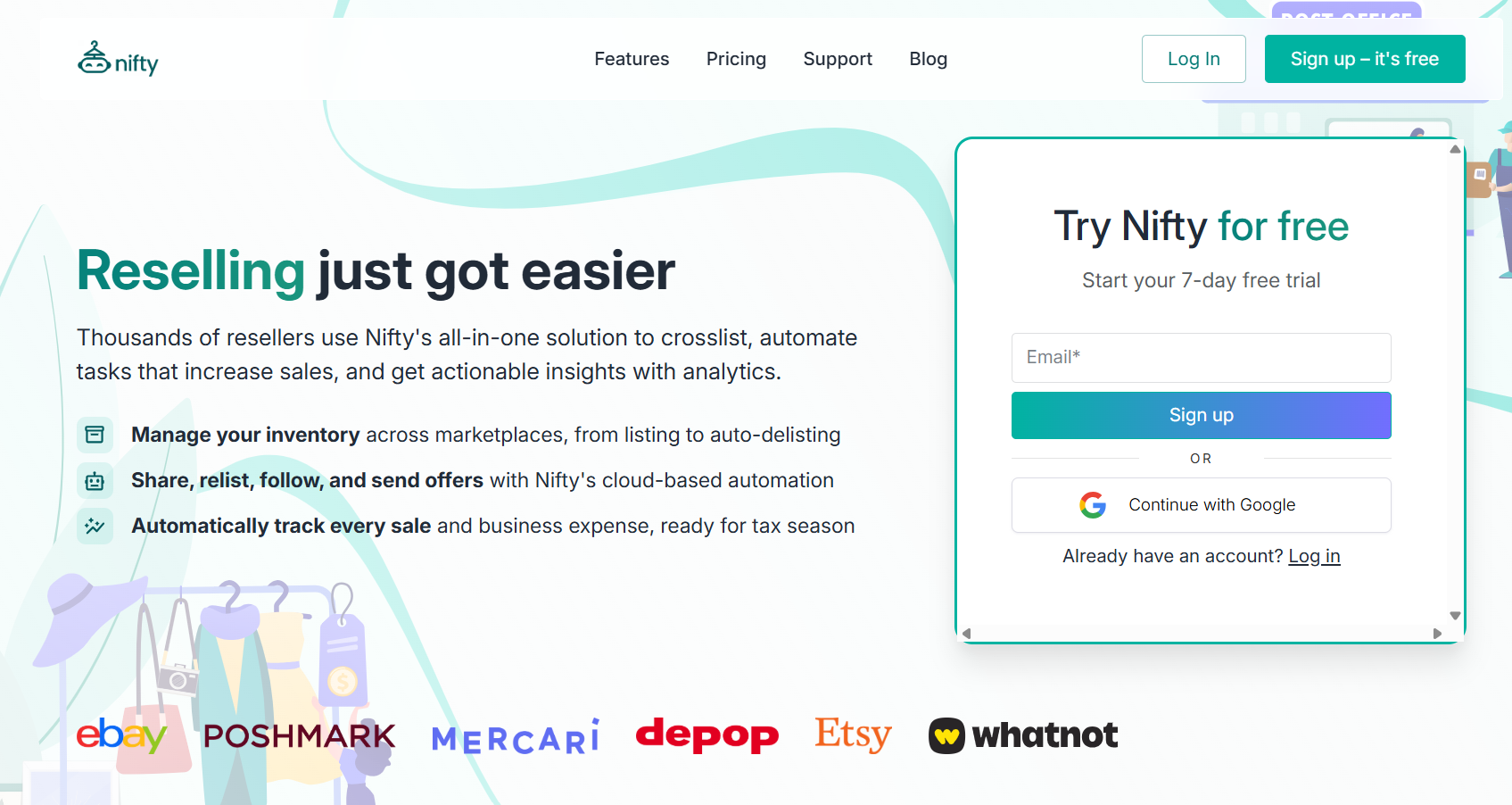
What it does: Nifty handles Depop, Poshmark, eBay, and Mercari automation. It also supports crosslisting on Whatnot, Depop, Poshmark, Mercari, Etsy, and eBay.
Best for: Sellers of all sizes who want an automation or crosslisting tool to free up more time for sourcing and connecting with buyers.
I enabled automatic Depop relisting using Nifty's recommended schedule across several older inventory listings. New listings replaced the originals, inventory tracking stayed intact, and active offers remained untouched throughout every relist cycle.
Key features
- Automatic Depop relisting: Recreates Depop listings on your schedule, updates inventory automatically, preserves sold-item syncing, and skips listings with active offers.
- Automatic offers to likers: Sends timed discounts to new Depop likers between 5 minutes and 3 hours after engagement, with customizable percentage discounts starting at 5%.
- Cloud-based automation: Automates sharing, relisting, and sending offers in the cloud, so your computer doesn't need to stay on. You can monitor activity from your phone.
Pros
- Built-in automation safeguards: Automatically limits sharing and relisting activity to stay within marketplace limits, helping reduce the risk of account restrictions.
- Integrated photo editing: Edit listing photos and remove backgrounds using the built-in Photoroom integration before publishing.
- Cross-platform sale protection: Automatically removes sold listings from connected marketplaces to help prevent double-selling and refund requests.
Cons
- No native mobile app: You can manage Nifty through a mobile web browser, but there isn't a dedicated app for iOS or Android.
- Takes time to master: Nifty includes advanced features like AI listing generation, bulk editing, automation rules, and photo tools, so new users should expect a learning curve.
What real users say
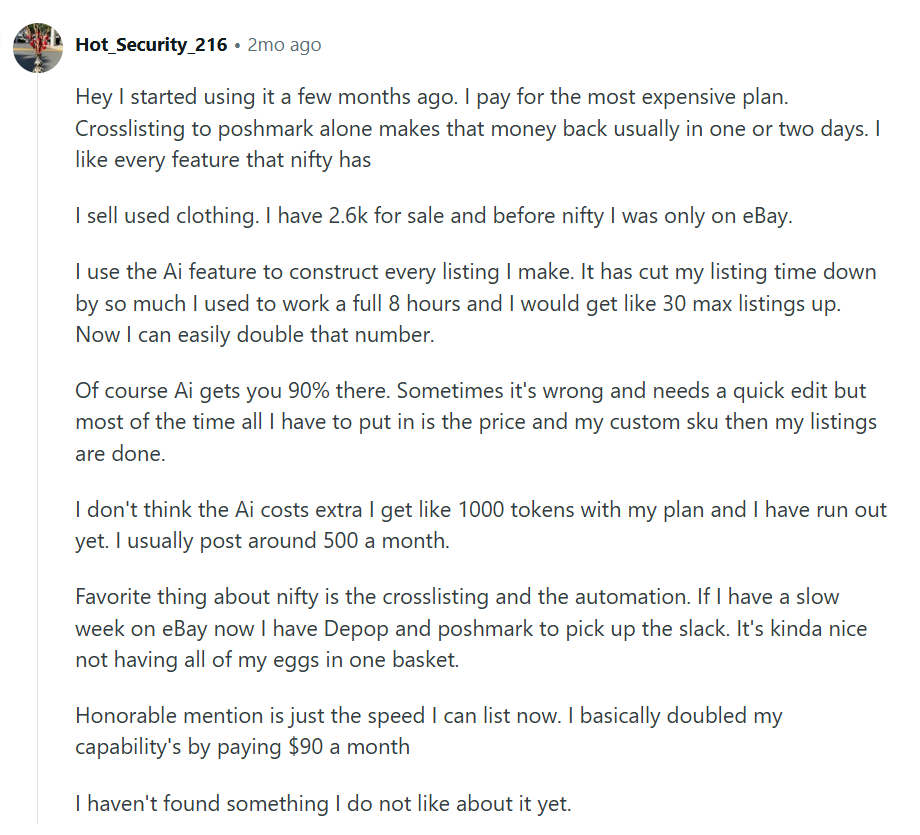
“Hey, I started using it a few months ago. I pay for the most expensive plan. Crosslisting to Poshmark alone makes that money back usually in one or two days. I like every feature that Nifty has.” (Nifty user, Reddit; May 11th, 2026)
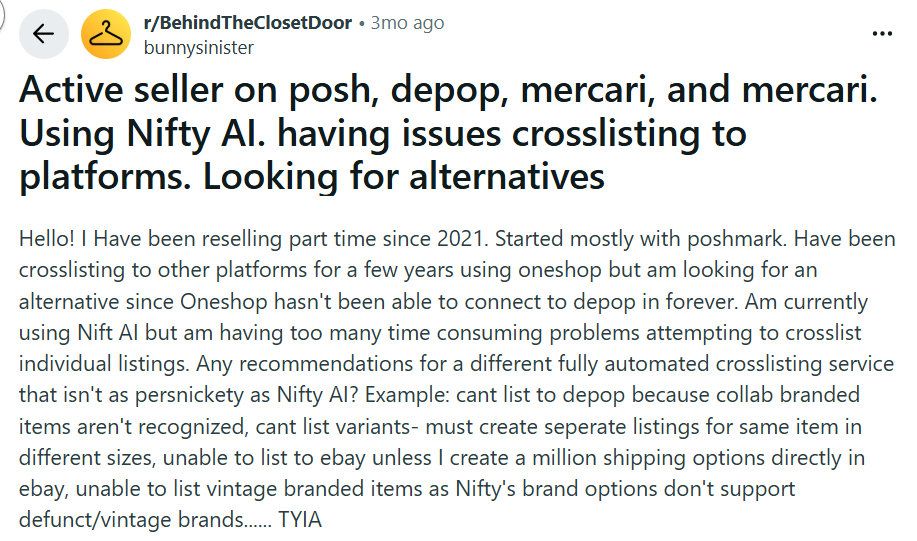
“I'm currently using Nifty AI but am having too many time-consuming problems attempting to crosslist individual listings.” (Nifty user, Reddit; April 19th, 2026)
Pricing
Nifty Depop automation plans start at $39.99/month.
Bottom line
Nifty fits sellers managing Depop items on several marketplaces. For workflows centered on Depop alone, try Bump.
2. Bump: Best for Chrome extension bot
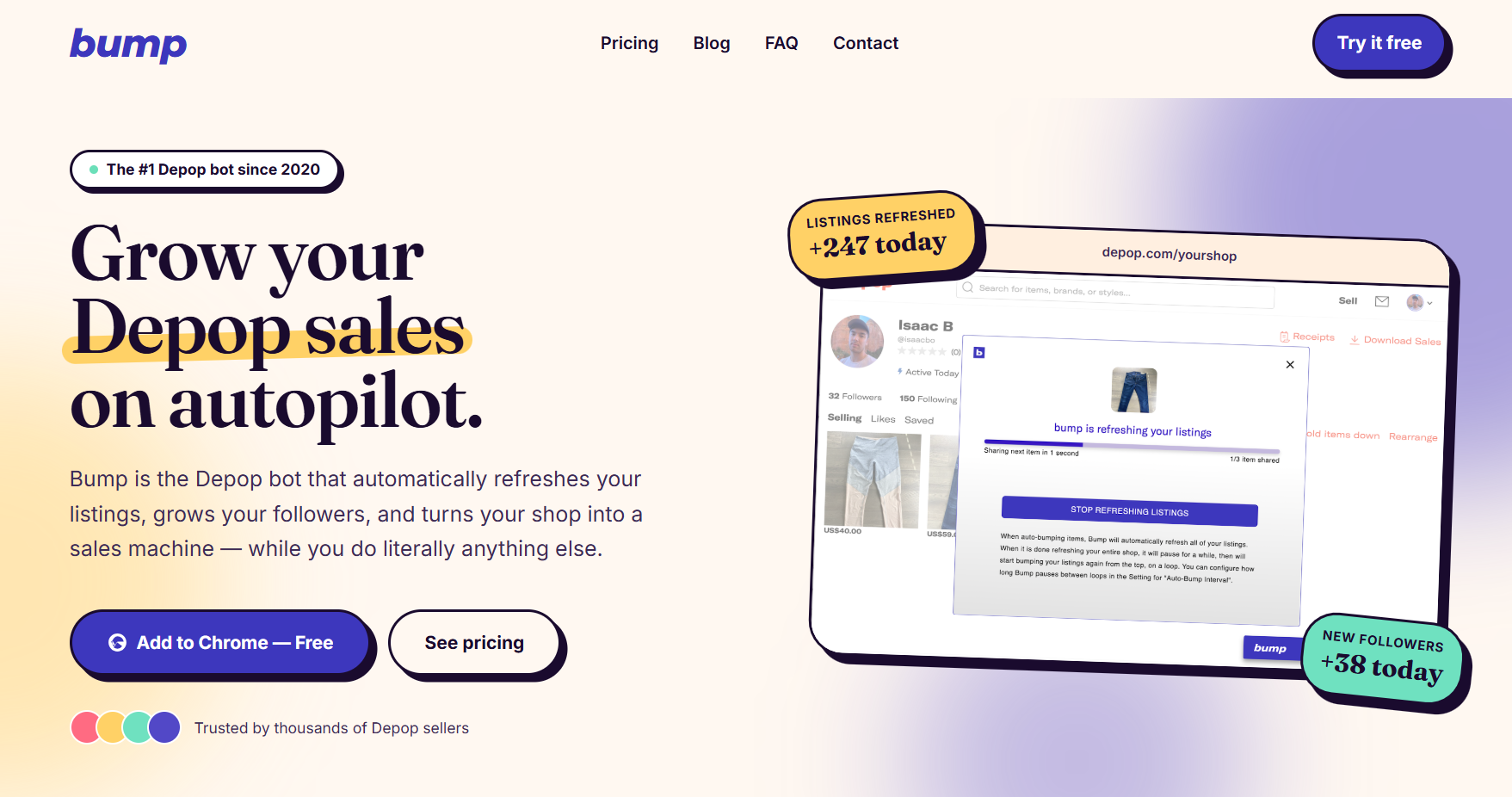
What it does: Bump runs Depop listing refreshes, relists, follows, and likes from inside a Chrome extension.
Best for: Depop sellers who need a simple tool to refresh inventory daily and manage buyer engagement from desktop browser sessions.
I tested automatic refreshing across 12 active Depop listings during a normal midday selling block. Bump cycled through listings in Chrome and returned them to fresher positions without manual edits. But I needed to keep my browser open and my computer running, or else the automations wouldn’t work.
Key features
- Automatic listing refreshes: Moves stale Depop listings back into feeds without manual bumping.
- Continuous refresh loop: Runs repeated refresh cycles with custom delay controls during browser sessions.
- Managed account service: The $79/month plan gives you a dedicated virtual assistant to run daily Depop activity using account-specific automation and dedicated IP addresses.
Pros
- Fast Depop maintenance: Keeps listings active without rebuilding your daily browser routine.
- Simple Chrome setup: Starts inside Depop without a separate marketplace dashboard.
- Useful free plan: Provides up to 50 daily refreshes for free.
Cons
- Chrome dependency: It only runs as a Chrome extension from a desktop browser, ruling out mobile-first sellers managing sourcing trips.
- Depop only: Multi-channel sellers still need separate inventory cleanup after outside sales.
What real users say
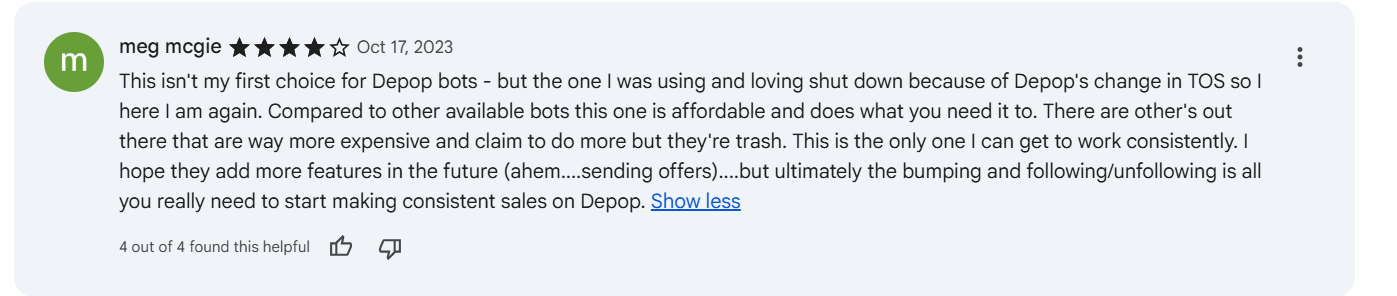
“Compared to other available bots this one is affordable and does what you need it to. There are others out there that are way more expensive and claim to do more but they're trash.” (Meg M., Chrome Web Store; October 17th, 2023)

“I've been using Bump for about a year now, and recently it stopped working. When I try to follow or unfollow people using Bump, it'll say, "rate limited by Depop," and it'll be [stuck] on whatever number it was on when that alert came up. I've been looking across the internet and haven't found a similar case so if anyone here is having similar issues lmk.” (Jiovanni E., Chrome Web Store; February 26th, 2025)
Pricing
Bump’s paid plans start at $14.99/month.
Bottom line
Bump is for sellers whose Depop routines depend on daily refreshing from their desktop. Choose Nifty if you want a Depop bot that works on mobile devices and while you’re away from your machine.
3. Resellify Pro: Best for all-in-one Depop automation
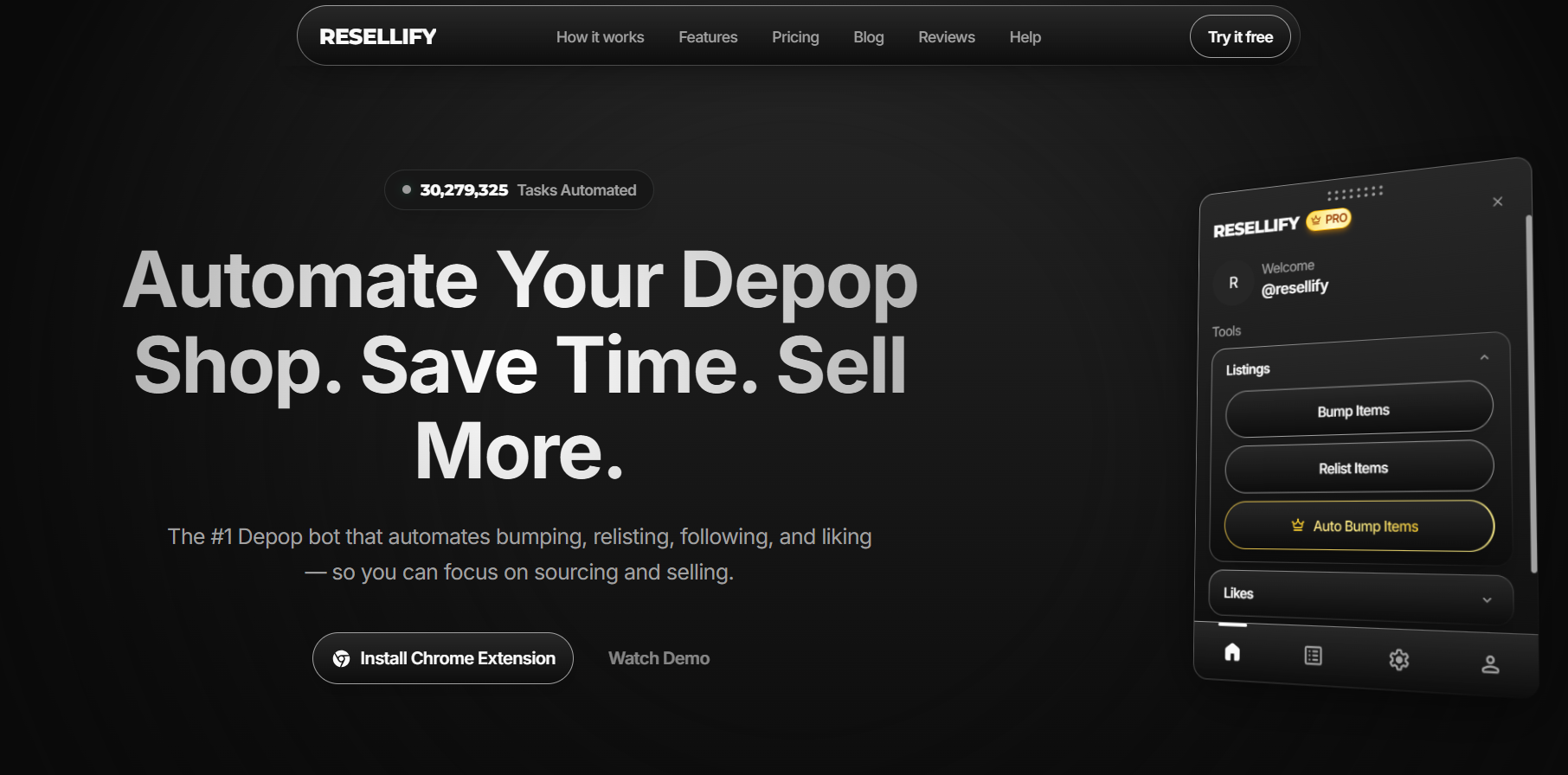
What it does: Resellify Pro automates Depop relisting, following, product likes, and offer follow-up.
Best for: Depop sellers refreshing inventory daily, targeting buyers, and managing outreach from desktop browser workflows consistently.
I tested bulk bumping across older Depop listings during a desktop maintenance session in Chrome. Resellify refreshed listings so I could avoid constant tab-by-tab clicking. But the tool doesn’t offer a crosslisting feature, so you can only sell on Depop.
Key features
- One-click bumping: Refreshes Depop listings quickly without opening and editing each item manually.
- Smart relisting tools: Recreates stale listings with photos, descriptions, and pricing preserved.
- Buyer follow targeting: Follows recent buyers from similar shops to reach active shoppers.
Pros
- Broad Depop coverage: Handles visibility, follows, likes, relists, and messages together.
- Useful task history: Shows completed actions before you trust another automation pass.
- Free version: Run up to 10 tasks/month for free.
Cons
- Chrome session required: Mobile-first sellers cannot run sourcing and automation together.
- Depop-only operating model: Multi-marketplace sellers can only get Depop automations, nothing across Poshmark or Mercari.
What real users say

“Been using RESELLIFY for a couple weeks now and my sales have skyrocketed. Ever since using the Bump feature I've noticed way more activity and likes on all my products. The subscription plans are reasonably priced and customer support is amazing. Looking forward to new features!” (Resellify user, Chrome Web Store; January 22nd, 2026)

“Took a gamble and paid $9.99 for the pro version; the relist feature does not work. None of the features work properly. I risked it so you guys don't have to. You should not make something public that you are clearly still developing. Not to mention there is no self-service cancellation option.” (Marissa B., Chrome Web Store; January 8th, 2026)
Pricing
Resellify Pro starts at $9.99/month (billed monthly).
Bottom line
Resellify combines bumping, relisting, follower targeting, product liking, and buyer follow-ups inside Chrome. For sellers creating large numbers of listings from scratch, try SellerAider.
4. SellerAider: Best for browser automation
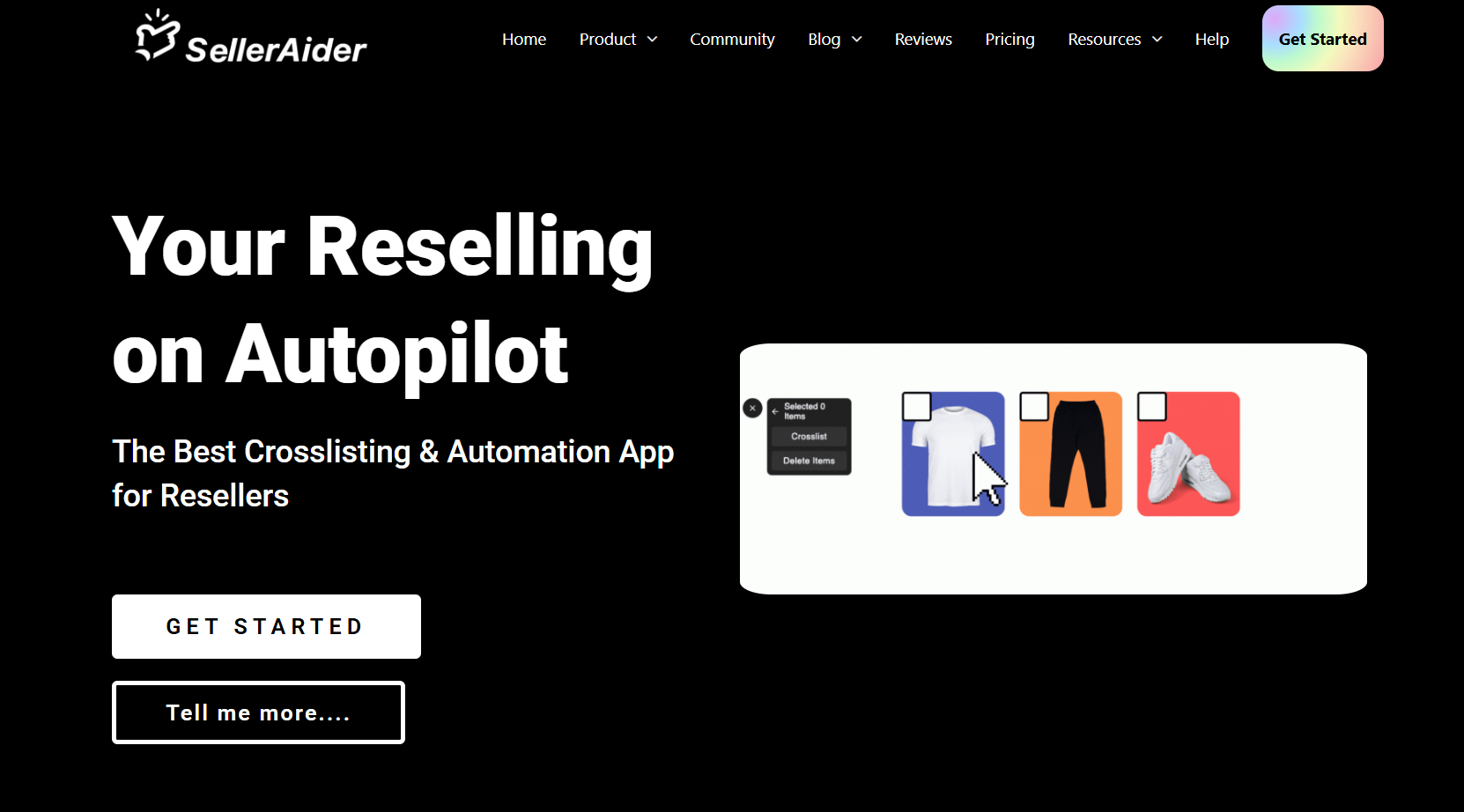
What it does: SellerAider runs Depop refreshes, follows, unfollows, messages, relists, and likes through page-specific Chrome controls inside sessions.
Best for: Sellers on Depop, Poshmark, Mercari, and other platforms managing listings from desktop who need a refreshing and relisting feature.
I used SellerAider for scheduled refreshes from my Depop profile across 20 older listings. The tool’s controls on the page refreshed inventory without manual listing edits afterward. Although the extension kept Depop activity moving, it still required separate inventory controls for items on Poshmark, Mercari, and other marketplaces.
Key features
- Page‑specific controls: Shows actions on the Depop pages where they can actually run, so refresh tools appear on profile or listing views, while follow/unfollow tools appear on follower‑related pages.
- Scheduled listing refreshes: Set up scheduled refreshes for selected listings during regular desktop sessions.
- Targeted user messaging: Save message templates and send them to recent likers, followers, buyers, or specific users from relevant Depop pages.
Pros
- Strong browser‑native workflow: Because everything runs inside Chrome while you’re on Depop, refreshing, following, liking, and messaging all stay in one session.
- Outreach controls: Saved messages and page‑based targeting (likers, followers, buyers) can help you run outreach campaigns without hand‑sending every DM.
- Follower cleanup and safety tools: Blacklist/whitelist style options help prevent accidental unfollows of key customers or collaborators.
Cons
- Chrome‑first, desktop‑first design: Because the experience is built around a Chrome extension and page‑specific controls, it’s not ideal for sellers who do nearly everything on mobile.
- Page‑dependent controls and learning curve: Each automation is tied to a certain Depop screen. New users must learn where refreshes, follows, unfollows, and messaging options appear, which can slow down early sessions.
What real users say
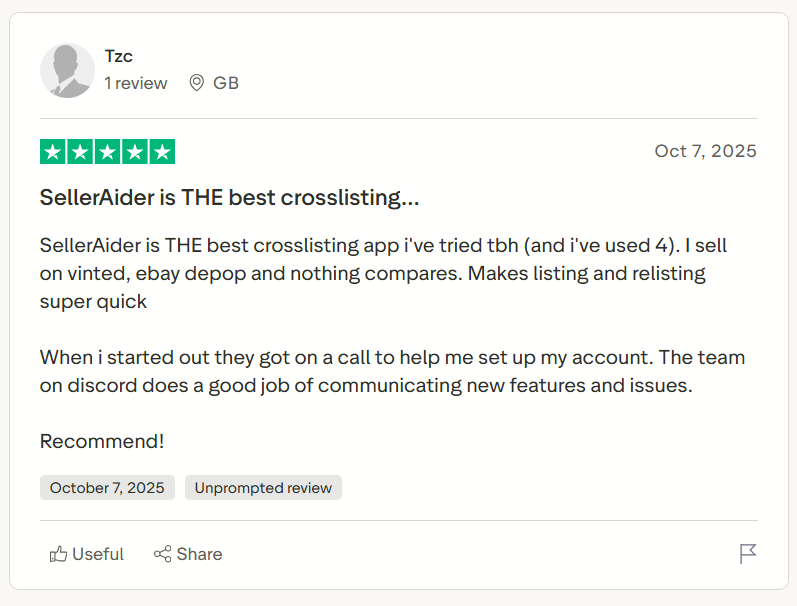
“SellerAider is THE best crosslisting app I've tried tbh (and I've used 4). I sell on Vinted, eBay, Depop, and nothing compares. Makes listing and relisting super quick.” (SellerAider user, Trustpilot; October 7th, 2025)
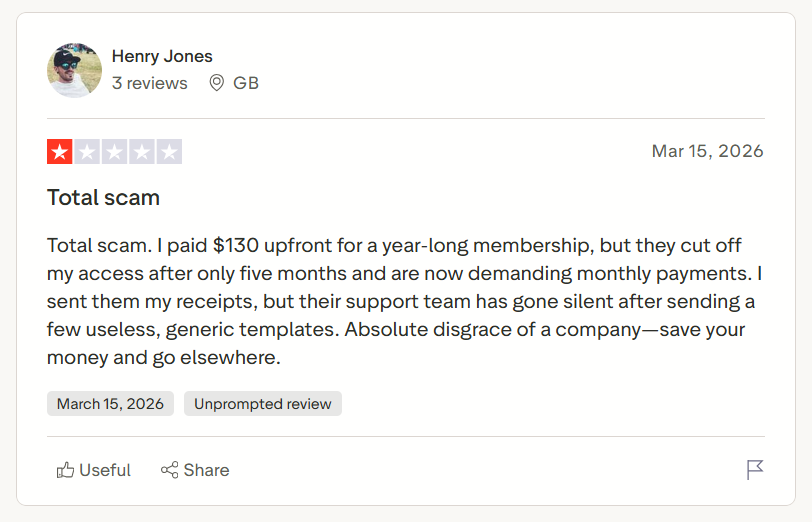
“Total scam. I paid $130 upfront for a year-long membership, but they cut off my access after only five months and are now demanding monthly payments. I sent them my receipts, but their support team has gone silent after sending a few useless, generic templates.” (Henry J., Trustpilot; March 15th, 2026)
Pricing
Start using SellerAider for $18/month.
Bottom line
SellerAider works if you already manage Depop primarily from Chrome on desktop or your routine revolves around refreshing listings and targeted messaging. If your only need is simple, low‑effort daily refreshes and you want the lightest possible workflow plus a generous free tier, try Bump.
My final verdict: Which Depop bot should you choose?
Each of my top Depop bot picks fits a different selling style. The best choice for you depends on your workflow. Here's how I'd choose after my evaluations:
Choose Nifty if you …
Sell across Depop and other marketplaces, automate inventory management, and want daily selling tasks running without browser sessions.
Choose Bump if you …
Sell only on Depop, want fast Chrome automation, and value a generous free plan before upgrading.
Choose Resellify Pro if you …
Have a daily Depop routine that depends on bumping, relisting, buyer engagement, and browser-based automation from one extension.
Choose SellerAider if you …
Spend more time managing followers, messages, and listing visibility than creating new inventory every day.
Avoid Depop bots if you …
Only sell a handful of items each month and can easily manage listings manually. Or, you primarily sell on marketplaces other than Depop and need inventory synchronization instead of engagement automation.
Nifty: Depop, Poshmark, and more automation in one tool
If you're looking for the best Depop bot, you might want a tool that goes beyond simple sharing automation. Nifty combines Depop automation with AI listing creation, crosslisting, inventory syncing, and sales protection, making it a better long-term choice if you plan to grow beyond one marketplace.
Here’s why Nifty stands out:
- AI builds listings from your photos: Snap a picture and let Nifty generate optimized titles, descriptions, hashtags, and item details. You can even customize the AI to match your own writing style.
- Crosslist when you're ready: Publish listings to Depop, Poshmark, eBay, Mercari, Etsy, and Whatnot in just a few clicks instead of recreating every listing manually. More marketplaces are on the way.
- Automatic sale protection: When an item sells, Nifty detects the sale and automatically removes the listing from your connected marketplaces, helping prevent costly double sales.
- Automation without the busywork: Share and relist listings in bulk, schedule drafts to publish automatically, and create discount rules that gradually lower prices over time.
- Know what's actually making money: Track sales, fees, profits, top-performing listings, and slow-moving inventory from one dashboard so you can make better selling decisions.
Ready to move beyond a basic Depop bot? Start your 7-day free trial and see how Nifty helps you automate more of your selling while making it easier to expand beyond Depop when you're ready.
FAQs
1. What is the best Depop bot for growing a resale business?
Nifty is the best Depop bot for growing a resale business. It combines relisting, Depop automation limits, crosslisting, and AI listings across multiple marketplaces. It's ideal for sellers scaling beyond Depop, as it connects with 5 other platforms and supports automation on 4 of them (including Depop).
2. Are Depop bots safe to use with my account?
Yes, many Depop bots are safe to use when they include built-in safeguards, like limiting daily refreshes and relists to stay within Depop's activity thresholds. This reduces the risk of account penalties or restrictions. Always check to see if the bot you choose includes daily automation limits.
3. Can a Depop bot increase sales, or does it only save time?
A Depop bot can do both. You won’t need to scroll through every user and manually click the “like” button or send offers. At the same time, you can increase the chances of making sales by sending more automated offers.


.png)
.png)
.png)